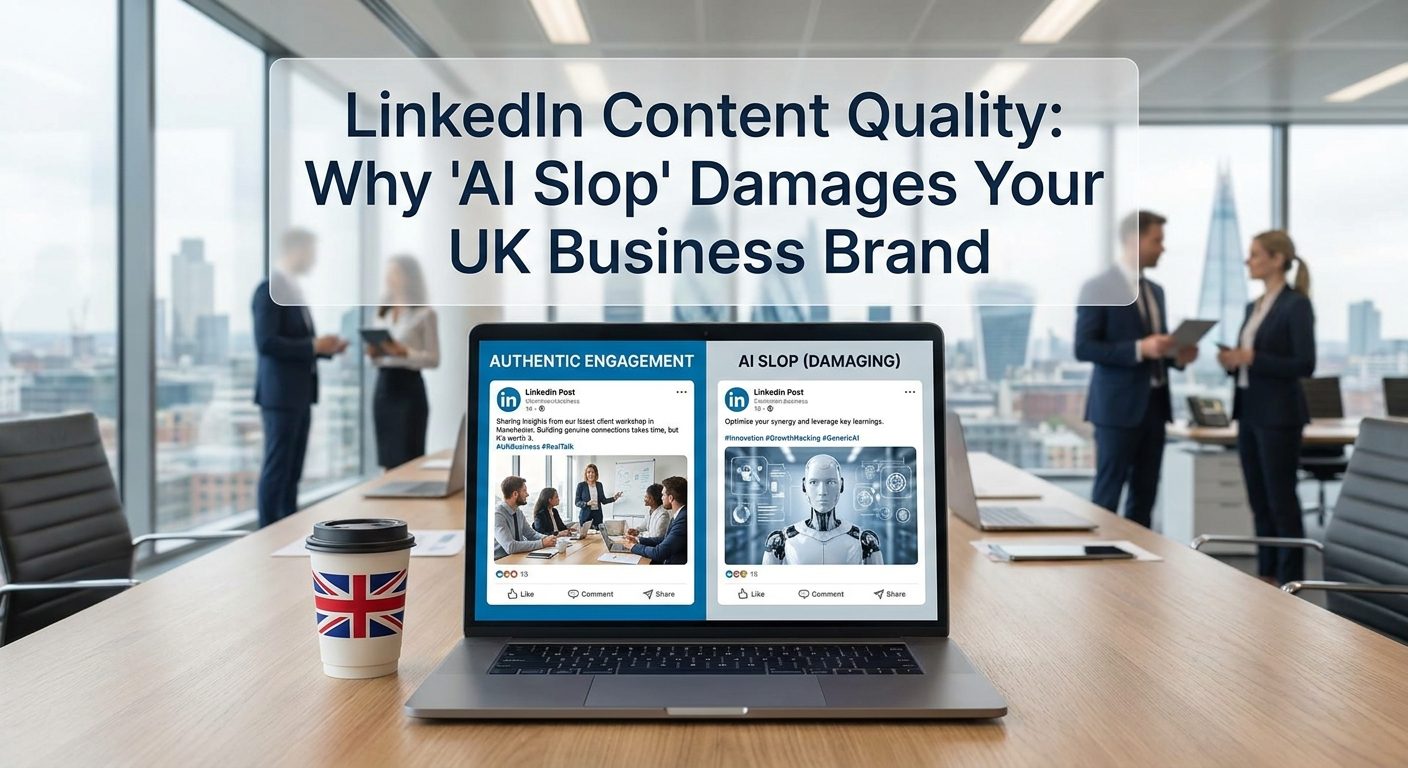
There’s a new problem creeping into online advertising, and it’s easy to miss until the damage is done. Small businesses are using AI tools to generate ad copy, images, and social content at speed, which sounds like a win. The trouble is, when everyone uses the same tools with the same prompts and the same default settings, everything starts to look and sound the same.
If a potential customer scrolls past your Facebook ad, your Google display banner, and a competitor’s ad without noticing any difference between them, you’ve lost. This is what marketers call ad fatigue, and AI is quietly making it worse for brands that don’t put in the extra effort.
Why AI Creative Goes Generic So Quickly
AI image and copy generators are trained on enormous datasets. That means they produce outputs that are statistically average, which is another way of saying they produce things that look like everything else. Ask an AI to write a Facebook ad for a local plumber, and you’ll get something competent but forgettable. So will every other plumber using the same tool with the same brief.
The default outputs also tend to lean on the same visual styles, the same sentence structures, and the same calls to action. Stock-photo smiles. Bullet points. “Get in touch today.” It’s not bad writing. It’s just not yours.
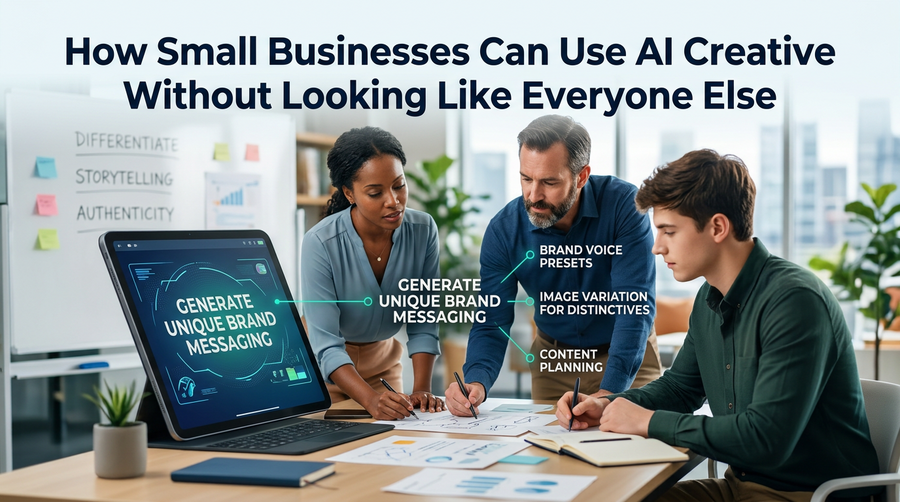
The good news is that AI is only as generic as the instructions you give it. With a bit of discipline, you can use these tools to produce creative that actually sounds and looks like your business.
Start With Your Brand Voice, Not a Blank Prompt
Before you type a single prompt into an AI tool, write down what makes your business sound like you. This doesn’t need to be a formal brand document. Even a short list of notes helps enormously.
Think about:
- Words and phrases you actually use when talking to customers
- The tone you’d use in a friendly email to a regular client
- Things you’d never say (overly formal language, jargon your customers don’t use)
- Two or three things that make your service genuinely different
Once you have this, paste it into the start of every AI prompt you write. Treat it as context the tool needs before it can help you properly. You’ll get far more useful output when the AI has something specific to work with, rather than defaulting to its average.
Give the AI Specifics, Not Generalities
The single biggest improvement most small business owners can make to their AI prompts is adding specifics. Vague prompts produce vague content.
Compare these two prompts for a local bakery:
- Generic: “Write a Facebook ad for a bakery selling sourdough bread.”
- Specific: “Write a conversational Facebook ad for a family-run bakery in Worthing. We bake sourdough using a 20-year-old starter and sell out every Saturday by 10am. Our tone is warm and slightly cheeky. Avoid phrases like ‘artisan’ or ‘crafted with love’.”
The second prompt gives the AI a story, a constraint, a personality, and a local flavour. That’s what produces something worth using. The more context you feed in, the less you’ll need to edit the output.
Use AI to Scale What Already Works, Not to Replace It
Your best-performing ads, emails, and social posts already exist. They worked because they connected with real customers in your specific market. AI is at its most useful when you use it to multiply that proven material, not to generate something from nothing.
A practical approach is to take a piece of content that performed well, paste it into your AI tool, and ask it to write five variations that keep the same tone and core message but change the hook, the headline, or the call to action. You’re not starting from scratch. You’re extending something that already has your fingerprints on it.
This is especially useful for Google Responsive Search Ads, where you need multiple headlines and descriptions. Instead of staring at a blank field, you start with your best-converting line and ask AI to riff on it.
Build in a Human Review Step Every Time
AI content needs a final human check before it goes anywhere near a live campaign. Not a lengthy rewrite, just a quick read-through asking three questions:
- Does this sound like us?
- Would our best customer find this relevant?
- Is there anything generic or forgettable that we can sharpen?
Often this means swapping out one phrase, adding a specific local detail, or cutting a sentence that sounds like it came from a press release. These small edits take two minutes but make a real difference to how the finished ad lands.
Skipping this step is where most businesses go wrong. They treat AI output as finished work. It rarely is.
Don’t Let Efficiency Become Invisibility
The appeal of AI tools for small businesses is obvious. They save time and reduce the cost of producing ad creative. But speed is only valuable if what you’re producing actually works. Publishing five mediocre ads in the time it used to take to write one good one is not progress.
Think of AI as a capable assistant who doesn’t know your business yet. The more clearly you brief them, the better the work they produce. Left to their own devices, they’ll give you something passable. But with proper direction, a clear brand voice, and a human sense check, you can produce creative that genuinely sets you apart.
That’s the difference between using AI to compete and using AI to stand out. For a small business, it’s worth getting right.
If you’d like help making sure your paid advertising actually reflects your brand and reaches the right people, our PPC management service takes care of the strategy and the creative so you don’t have to second-guess it.