You have set up a WordPress site, installed an SEO plugin, written a handful of blog posts, and waited. Weeks pass. Maybe months. You check your Google rankings, feel vaguely optimistic, and then carry on as before. Sound familiar?
The problem is not that your SEO is broken. It is that most small business owners do not know which signals to pay attention to. Once you know what to look for, the picture becomes a lot clearer, and a lot less stressful.
Start With Google Search Console (It Is Free and Invaluable)
If you have not connected your WordPress site to Google Search Console, do that first. It is free, takes about ten minutes to set up, and gives you data straight from Google itself. No guesswork involved.
Once it is running, the most important report to check is the Performance tab. This shows you:
- How many times your site appeared in search results (impressions)
- How many people actually clicked through to your site (clicks)
- Your average position for different search terms
- Which specific queries are bringing people to your pages
A steady upward trend in clicks and impressions over three to six months is a strong sign your SEO is heading in the right direction. Do not panic if the first few weeks look flat. Google takes time to crawl and index new or updated content.
Organic Traffic Is the Number That Really Matters
Google Search Console tells you about search appearance. Google Analytics (or GA4, the current version) tells you what happens once people arrive. Connect both tools and check them together.
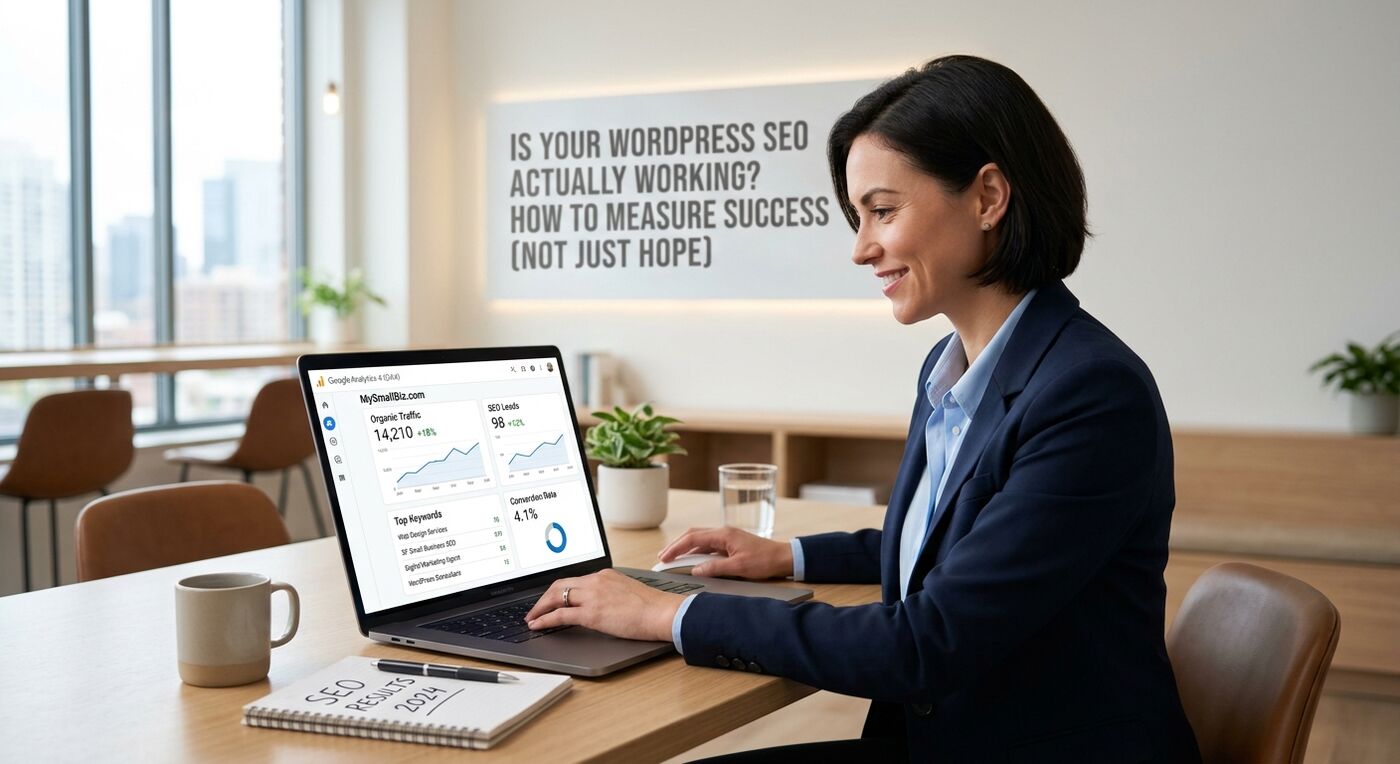
In GA4, look at the Acquisition section and filter by Organic Search. This shows visitors who found you through unpaid search results. If that number is growing month on month, your SEO is working. If it has been static or falling for several months, something needs attention.
A quick tip: compare year-on-year figures rather than month-on-month when you can. Seasonal businesses in particular will see natural dips and spikes that look alarming out of context. A garden centre in January will always see less traffic than one in April.
Keyword Rankings: A Useful Signal, Not the Whole Story
Many small business owners fixate on ranking number one for a particular phrase. That ambition is understandable, but rankings alone do not pay the bills.
That said, tracking a small set of keywords you genuinely want to rank for is worth doing. Tools like Google Search Console (free), Ubersuggest, or Semrush (both have free tiers) let you monitor where you sit for specific terms over time.
What you want to see is gradual upward movement. Moving from position 40 to position 18 for a relevant phrase is genuine progress, even if you are not on page one yet. Positions 1 to 10 sit on page one of Google results. Getting into that range for even a handful of relevant local or industry terms can make a meaningful difference to a small business.
The Indicators Most Small Teams Miss
Traffic and rankings get most of the attention, but there are a few other signals worth watching that often go unnoticed.
Pages indexed by Google
In Google Search Console, go to Pages under the Indexing section. This tells you how many of your pages Google has actually indexed. If important pages are listed as not indexed, Google simply cannot rank them, no matter how good the content is. Common culprits include accidentally blocking pages in your WordPress settings or having a noindex tag left on from a previous developer.
Click-through rate
Your click-through rate (CTR) is the percentage of people who see your site in search results and then click on it. If your CTR is low, even reasonable rankings are not converting into visits. This usually means your page titles and meta descriptions need work. They are essentially your free advert in Google. Make them specific, useful, and relevant to what someone is searching for.
Bounce rate and engagement
Once someone lands on your site, do they stay and read, or do they leave immediately? In GA4, look at engagement rate (the inverse of bounce rate). If people are leaving within a few seconds, the page may not be matching what they expected to find, which is a signal Google takes note of over time.
Conversions: The Metric That Actually Connects SEO to Revenue
Here is the question that matters most for a small business: is your organic traffic turning into enquiries, calls, or sales?
Set up goal tracking in GA4 for key actions on your site. These might include:
- Submitting a contact form
- Clicking your phone number
- Downloading a brochure
- Making a purchase
When you can see that organic visitors are converting at a reasonable rate, you have genuine proof your SEO is working, not just generating vanity metrics. If traffic is growing but conversions are not, the problem may lie with your website rather than your search visibility.
A Simple Monthly Check-In Routine
You do not need to spend hours buried in data every week. A straightforward monthly review is enough for most small businesses. Set aside thirty minutes to check the following:
- Organic clicks and impressions in Google Search Console (compare to the previous month and the same month last year)
- Organic traffic in GA4
- Any pages flagged as not indexed
- Your top five to ten keyword positions for phrases that matter to your business
- Conversion actions completed by organic visitors
Write the numbers down somewhere, even a basic spreadsheet. Trends are only visible over time. A single month’s data tells you almost nothing. Three to six months of consistent tracking tells you a great deal.
When to Call In Some Help
Sometimes the data tells you that something is wrong but not exactly what. Rankings have dropped, traffic has stalled, or pages are not being indexed. These situations often point to technical issues, such as slow page speed, duplicate content, or crawl errors, that need a professional eye.
If your WordPress SEO feels like it is treading water despite your best efforts, it is worth getting an independent audit. The numbers rarely lie. The key is knowing which numbers to look at in the first place.