A plumber in Brighton spending £400 a month on Google Ads does not have the same problem as a US software company spending $50,000 a month. Yet almost every Google Ads guide treats them as if they do. The result is that small UK businesses follow advice built for entirely different budgets, campaign scales, and markets, and then wonder why their ads drain money without producing enquiries.
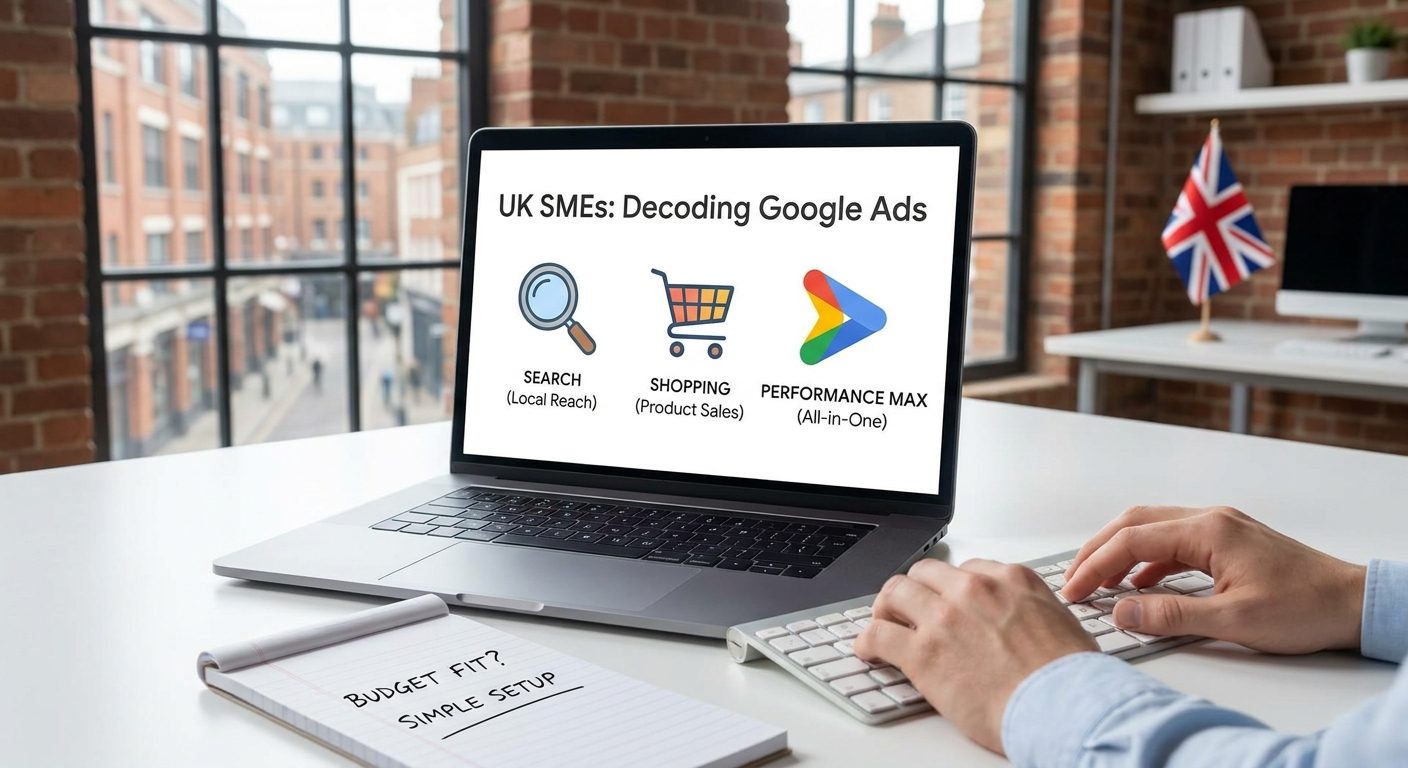
This article is written specifically for UK small businesses spending between £300 and £800 a month on paid search. It focuses on the three campaign types Google pushes hardest on smaller accounts: Search, Shopping, and Performance Max. Those are the ones most likely to help you, and equally the ones most likely to quietly empty your account if you set them up wrong.
Why Most Google Ads Advice Misses the Mark for UK SMEs
Pick up almost any Google Ads guide published in the last two years and you will find it built around monthly budgets of $10,000 or more. That is not a coincidence. The publications writing those guides are chasing US enterprise audiences, and the tactics that make sense at that spend level, broad audience testing, video remarketing funnels, Performance Max with full asset groups, do not translate to a local retailer or sole-trader electrician working with £300 to £500 a month.
The average UK small business ad budget sits between £300 and £800 per month, based on industry benchmarks for SME paid search. That figure rules out several campaign types entirely. You cannot run a meaningful Display retargeting campaign, a YouTube pre-roll test, and a Search campaign simultaneously at that budget. You have to choose, and choosing badly means your data gets so diluted across channels that you cannot read what is working.

Google's own in-platform recommendations compound the problem. Google earns more revenue when advertisers run broader, more complex campaigns across more placements. Its automated suggestions frequently push accounts toward Performance Max, broad match keywords, and higher budgets, all of which increase spend. Those recommendations are not neutral advice. They are generated by a system that benefits when you spend more, regardless of whether that extra spend returns anything for your business.
The three campaign types this article focuses on are Search, Shopping, and Performance Max. These are the formats Google actively steers small business accounts toward, and they represent genuinely different levels of risk and control. Understanding what each one actually does, rather than what Google's marketing copy says it does, is the starting point for spending sensibly.
A Plain-English Map of the Google Ads Landscape
Google Ads is not a single product. It is a family of campaign types that share a billing system but work in completely different ways, reach different audiences, and suit very different business goals. Treating them as interchangeable is one of the most common and expensive mistakes a small business can make when setting up an account for the first time.
The main campaign types and what they actually do
- Search campaigns show text ads to people actively typing queries into Google. If someone searches for "boiler repair Worthing" and you are running a Search campaign targeting that phrase, your ad can appear at the top of the results page.
- Display campaigns show banner and image ads on third-party websites that are part of Google's Display Network. These reach people while they are browsing the news, reading a blog, or checking a recipe, not while they are searching for anything in particular.
- Shopping campaigns pull product images, prices, and store names directly into Google search results. They are driven by a product feed rather than keywords, and they are essential for any UK business selling physical goods online.
- Video campaigns run ads on YouTube, either as skippable pre-roll clips or as bumper ads. They work for brand awareness but require creative assets most small businesses do not have and cannot justify producing on a tight budget.
- Performance Max is a single campaign type that attempts to run ads across all of the above placements simultaneously, using machine learning to decide where and when to show them. Google controls most of the targeting decisions.
Local Service Ads sit outside this family entirely. They are a separate pay-per-lead product available in the UK for specific trade and professional categories including plumbers, electricians, locksmiths, and solicitors. You pay per verified lead rather than per click, and your listing carries a Google Guarantee badge. They should not be confused with standard Google Ads campaigns, and they are worth serious consideration for eligible trades before spending a penny on anything else.
Intent is the variable that matters most on a small budget
The single most important concept for any small business owner to grasp is the difference between in-market intent and passive audiences. Search ads reach people who are already looking for what you sell. Display and Video ads reach people who are not. When your monthly budget is £400, spending it on people who are actively searching for your service is almost always the right call. Spending it on banner impressions delivered to people who may have vaguely browsed a related topic two weeks ago is rarely the right call.
Google Ads runs on a real-time auction. Every time someone performs a search, Google holds an instant auction to decide which ads appear and in what order. You bid on clicks, but the amount you actually pay is not determined purely by your bid. Google uses a Quality Score, calculated from your ad's relevance to the search query, your expected click-through rate, and the quality of the landing page you are sending people to. A well-written ad pointing to a clear, fast-loading landing page can beat a higher bid from a competitor whose ad is vague and whose page is slow or irrelevant.
This matters practically because it means a small business with a carefully structured account is not simply outgunned by larger competitors with bigger budgets. Quality Score acts as a partial equaliser. A business running a tightly themed Search campaign on a £400 monthly budget will, in most cases, outperform service-based competitors running Performance Max at the same spend, because Performance Max distributes that budget thinly across multiple placements and gives the algorithm too little data to optimise effectively at low volumes.
Google Search Ads: Still the Safest Starting Point for Most Businesses
Search campaigns have existed since Google Ads launched, and they remain the most controllable, transparent campaign type available. You pick the keywords, you write the ads, you set the bids, and you can see exactly which search terms triggered your ads and what each click cost. That level of visibility is not available in any other campaign type at the same granularity, and for a small business owner learning as they go, visibility is everything.
Why control matters more than automation when budgets are tight
Consider a Worthing electrician running a Search campaign targeting phrases like "emergency electrician Worthing" or "fuse box replacement West Sussex". These are high-intent, geographically specific queries. The person typing them needs an electrician now or very soon. Cost per click for local electrical trades in the South East typically falls between £1 and £4, depending on competition and time of day. At that rate, a £400 monthly budget buys somewhere between 100 and 400 clicks from people actively looking for exactly what that business offers. Even at a conservative 5% conversion rate, that is 5 to 20 enquiries a month from a single campaign.
That kind of return depends entirely on the campaign being set up with the right keyword match types. Google offers three main options: broad match, phrase match, and exact match. Broad match gives Google the most freedom to show your ad for queries it considers related, which sounds useful but routinely wastes budget on irrelevant searches. A broad match keyword like "electrician" can trigger your ad for searches such as "become an electrician" or "electrician salary UK" neither of which will ever produce a customer for a local trade business.
Phrase match and exact match give you far tighter control. Phrase match will show your ad when the search contains your keyword phrase in the right order, allowing for words before and after. Exact match shows your ad only when the search very closely matches your specified term. For a small business just starting out, building a campaign around phrase match and exact match keywords is the sensible approach. Introduce broad match only once you have enough conversion data to guide the algorithm, which typically means at least 30 to 50 conversions tracked over a few weeks.
Negative keywords: the most underused lever in small business PPC
Negative keywords are terms you explicitly exclude from triggering your ads. They are one of the highest-return tasks in any Google Ads account, and they are almost always underdone by small businesses setting up campaigns for the first time. Adding a well-maintained negative keyword list is not a one-time job, it is an ongoing process of reviewing your search term report and blocking wasted spend before it compounds.
For most service businesses, there are terms worth adding to a negative list from day one:
- "free" (people looking for free advice, free trials, or free services)
- "DIY" (people who want to do the job themselves)
- "jobs" and "careers" (people looking for employment in your sector)
- "training" and "course" (people looking to learn the trade, not hire someone)
- "review" and "forum" (people researching rather than buying)
These exclusions cost nothing to add and can immediately cut wasteful clicks from a campaign. Checking the search terms report weekly for the first month, then monthly after that, lets you catch unusual query patterns specific to your industry before they erode your budget.
To put a number on how much this matters: a local trades business spending £400 a month with no negative keyword list in place will typically find that 20 to 35 percent of clicks come from irrelevant queries in the first 30 days. At an average cost per click of £2.50, that is £80 to £140 wasted before a single relevant visitor arrives. Across a full year, that compounds to over £1,000 spent on people who were never going to book a job. Negative keywords are not a technical detail. They are a direct line to your profit margin.
Writing Responsive Search Ads that actually work
Responsive Search Ads (RSAs) are now the only standard text ad format Google allows for new Search campaigns. You provide up to 15 headlines and 4 descriptions, and Google's system tests different combinations to find the versions that earn the most clicks. The automation is genuinely useful, but it does not remove the need for careful copywriting. It just changes what careful copywriting looks like.
The mistake most small businesses make with RSAs is writing generic, interchangeable headlines. If several of your 15 headlines say essentially the same thing in different words, the system has nothing meaningful to test. Every headline should carry specific information:
- Your location or service area ("Worthing and West Sussex", "Covering Brighton to Chichester")
- A specific service rather than a category ("Fuse Board Upgrades", "Same-Day Emergency Callouts")
- A trust signal ("Fully NICEIC Registered", "Over 500 Local Customers")
- A call to action tied to your conversion goal ("Call for a Free Quote", "Book Online Today")
Descriptions should expand on the most compelling points and include your key differentiator. If you offer a fixed-price callout fee or a same-day response guarantee, that goes in the description. Generic phrases like "high quality service" and "competitive prices" consume character space without giving a prospective customer any reason to choose you over the competitor listed directly below.
A realistic starting budget for a service-area business running Search is £300 to £500 per month. At that spend level, you will gather enough click and conversion data within 30 to 60 days to make informed decisions about which keywords are working, which ad combinations are getting clicks, and where the budget is being wasted. That data is far more valuable than any assumption you could make before launching. Start narrow, measure carefully, and expand only once the numbers justify it.
Google Shopping Campaigns: Essential for Product-Based Businesses, Irrelevant for Everyone Else
If you sell physical products through an online shop, Shopping campaigns are not optional. They are the primary format Google uses to match product searches with relevant listings, and they consistently outperform Search text ads for e-commerce intent queries. A search for "kids waterproof walking boots UK" will typically return a row of Shopping results with images, prices, and retailer names before a single text ad appears. If you are not in that row, you are invisible at the moment a buyer is closest to purchasing.
Shopping campaigns work differently from Search. Instead of writing ads and choosing keywords, you connect a product feed from Google Merchant Center. The feed is a structured data file, usually generated automatically by your e-commerce platform, that tells Google your product titles, descriptions, prices, availability, and images. Google then decides which searches your products are relevant to. You bid at the product or product group level rather than on individual keywords.
The quality of your product feed is the single biggest lever in Shopping performance. Google matches your products to searches based on the titles and descriptions in your feed, not on keywords you select. A product listed as "Blue Jacket" will reach far fewer relevant searches than one listed as "Women's Waterproof Hiking Jacket Navy Blue Size 10 to 18". Investing an hour in rewriting your top 20 product titles to include the specific terms real buyers use will outperform almost any bid adjustment or budget change you could make.
Standard Shopping campaigns give you visibility into which products are attracting clicks and conversions. For a small UK retailer spending £400 a month, running Standard Shopping rather than the Shopping component inside Performance Max is the better starting point. You retain control over bids by product category, can see exactly which products are spending budget, and can pause underperformers without losing visibility across the whole account. Platforms like Shopify and WooCommerce both generate Merchant Center feeds automatically, so the technical setup is rarely the barrier it once was.
Setting a Realistic Budget and Measuring What Matters
Before you set any budget, work backwards from what a customer is actually worth to you. If your service generates £500 in gross profit and you close one in five leads, you can spend up to £100 per lead and still break even. That single calculation tells you more than any benchmark ever could, because it grounds your spending in your own margins rather than industry averages that may have nothing to do with your market.
For a service business running Google Ads for the first time, a sensible starting point is £300 to £400 per month on a Search campaign, committed for a minimum of 60 days before you draw any conclusions. The first 30 days are always a learning period: the algorithm is gathering data, your quality scores are settling, and you are still finding out which keywords actually convert rather than just attract clicks. Pulling the plug after three weeks because the first few leads were expensive is one of the most common and costly mistakes small businesses make.
Conversion tracking is not optional. It must be set up before the first penny is spent, full stop. Without it you are making decisions based on clicks and impressions, which tell you nothing about actual business generated. Set up tracking separately for form submissions, phone calls via a dedicated call tracking number, and e-commerce transactions so you can see exactly which keywords and ads are producing real enquiries rather than window shopping.
For call tracking specifically, tools like CallRail or the simpler call reporting built into Google Ads itself let you assign a unique forwarding number to your ads. Every call that comes through that number is logged against the keyword and ad that triggered the click. Without this, a service business that gets most of its leads by phone has no way of knowing whether its ads are working at all. Many small businesses assume their campaigns are failing because they see low form submissions, not realising that the majority of their conversions are happening by phone and going completely unmeasured.

Once the campaign is live, check these metrics on a weekly basis:
- Click-through rate (CTR): a well-targeted Search campaign should sit between 5 and 10 percent; anything consistently below 3 percent suggests your ads are not matching what searchers expect to find
- Cost per conversion: track this against your maximum acceptable cost per lead figure you calculated at the start
- Impression share lost to budget: if this is high, your ads are being suppressed because your daily budget runs out; you may be spending in the wrong hours or targeting too broadly
- Search term reports: review these weekly to find irrelevant queries triggering your ads and add them as negative keywords; this is where most budget leakage happens in the first two months
Before any campaign goes live, spend an hour in Google Ads planning tools to sense-check your budget assumptions. Google's Keyword Planner is free, requires only a Google account, and shows estimated monthly search volumes alongside average cost-per-click data filtered to the UK. If Keyword Planner shows that your target keywords cost £8 to £15 per click on average and you have a £300 monthly budget, you can expect 20 to 37 clicks per month. At a typical 5 to 10 percent conversion rate, that is one to three leads. Whether that justifies the spend depends entirely on the calculation you did in the first paragraph.
Choosing the Right Campaign Type for Your Business Right Now
If you are unsure where to start, use this simple decision framework. If you sell physical products online, begin with Standard Shopping before anything else. If you offer a local service and you qualify for Local Service Ads (plumbers, electricians, cleaners, and similar trades in eligible UK areas), set those up first because you pay per lead rather than per click. For every other situation, a tightly managed Search campaign is the right starting point, full stop.
Performance Max should not be on your radar until three specific conditions are met: you have at least 50 tracked conversions per month, your monthly budget is above £1,500, and you have either a complete product feed or a strong asset library covering multiple headlines, descriptions, images, and video. Below those thresholds, the campaign does not have enough data to optimise meaningfully and you end up paying for the algorithm's education with no reliable way to see where the money went.
The reporting gap in Performance Max is worth understanding concretely. In a standard Search campaign, you can open the search terms report and see every individual query that triggered your ads, the cost per click for each one, and whether it led to a conversion. In Performance Max, Google shows you high-level asset performance and broad channel breakdowns, but it does not show you individual search terms at the same granularity, nor does it tell you what proportion of your budget went to Search versus Display versus YouTube. For a business spending £400 a month, that opacity makes it nearly impossible to improve the campaign systematically. You are left guessing rather than optimising.
Running two campaign types at the same time on a budget under £500 per month is a common trap. Splitting the budget slows the learning period for both campaigns, which means neither reaches statistical significance quickly enough to make good decisions from. Pick one campaign type, optimise it fully, and only expand once it is consistently generating conversions at an acceptable cost. Discipline here saves months of wasted spend.
Finally, be honest about the time commitment involved. Managing Google Ads well is not a set-and-forget task. It requires weekly attention, regular negative keyword work, bid adjustments, and ad copy testing. If that sounds like a part-time job on top of running your business, it is, because it is. Working with a local UK agency that specialises in small business PPC will nearly always produce a better return than attempting to manage complex campaigns alone. This is especially true for Performance Max, where the lack of transparency into where your budget is actually going makes self-management particularly risky for anyone without deep experience in reading its limited reporting. Getting the right help early is nearly always cheaper than learning through expensive mistakes.