Type "make me a plumber website" into an AI builder and you will have a site in about a minute. It will have a blue header, a stock photo of a smiling man holding a wrench, and a paragraph promising "reliable service you can trust". It could belong to any plumber in any town in the country.
That is the catch. The builder is quick, but it can only work with what you give it. This guide shows you how to give it enough.
Why a vague prompt gets you a vague website
AI website builders really can take you from a blank screen to a live site in minutes. The speed is real, and for a sole trader with no web skills it is a genuine help. But a one-line prompt produces a generic layout, filler copy and the same stock-photo feel as every other site built the same way.
The reason is simple. The builder knows nothing about your patch, your prices, your customers or what makes you different from the firm down the road. It does not know you cover Worthing and Littlehampton, that you are Gas Safe registered, or that you answer the phone on Saturdays. Where there are gaps, it fills them with plausible-sounding guesses.
Same business, two prompts
Here is the weak version:
Make me a plumber website.
You will get a "Welcome to our plumbing company" homepage, a list of services nobody chose, and a contact page with no clear next step. Now the stronger version:
Create a website for a one-man Gas Safe registered plumber and heating engineer in Worthing, covering Littlehampton and Shoreham. Main customers are homeowners with boiler breakdowns and leaks who need someone this week. Pages: Home, Services, About, Reviews, Contact. Friendly, plain British English, no buzzwords. Put a "Call now" button and a free quote form on every page. Do not invent reviews, prices or awards.
The second prompt takes two minutes longer to write. The result is a draft with the right town, the right customer and a clear action on each page. It still needs editing, but you are polishing something close to what you wanted rather than rebuilding it.
So treat the AI as a fast first-draft machine. The brief and the tidy-up afterwards decide whether the site is any good. This article gives you a pre-prompt checklist, templates for different kinds of business, a tidy-up list, and a clear guide on when to hire someone.
Do your thinking before you open the builder
Most weak prompts are weak because the owner has not yet decided what the site is for. Ten minutes of thinking first saves an hour of fiddling later.
Pick one main goal
Choose one: phone calls, quote requests, bookings or online sales. You can have secondary goals, but the main one shapes every page, from the wording of buttons to where the phone number sits. A site trying to do all four equally usually does none of them well.
Describe your ideal customer in one sentence
Write it the way you would describe them to a friend. For example: "Homeowners in Worthing and Littlehampton with a leaking boiler who need someone this week." That one line tells the builder about location, urgency and tone.
Decide your pages
Home, About, Services and Contact are the basics. Add Portfolio, Pricing, Blog or FAQ only if you will actually keep them up to date. Deciding this up front speeds up the build, because you can prompt for the pages early rather than bolting them on afterwards.
Gather your assets and facts
Collect your logo file, brand colours (hex codes if you have them), 5 to 10 real photos of your work, and a few genuine customer reviews. Then gather the facts the AI will otherwise make up: opening hours, service area, prices or "from" prices, accreditations such as Gas Safe, your phone number and your email address.
Sort your domain name now too. It is much easier to connect once you know what the site is called, and you will want it ready before you publish.
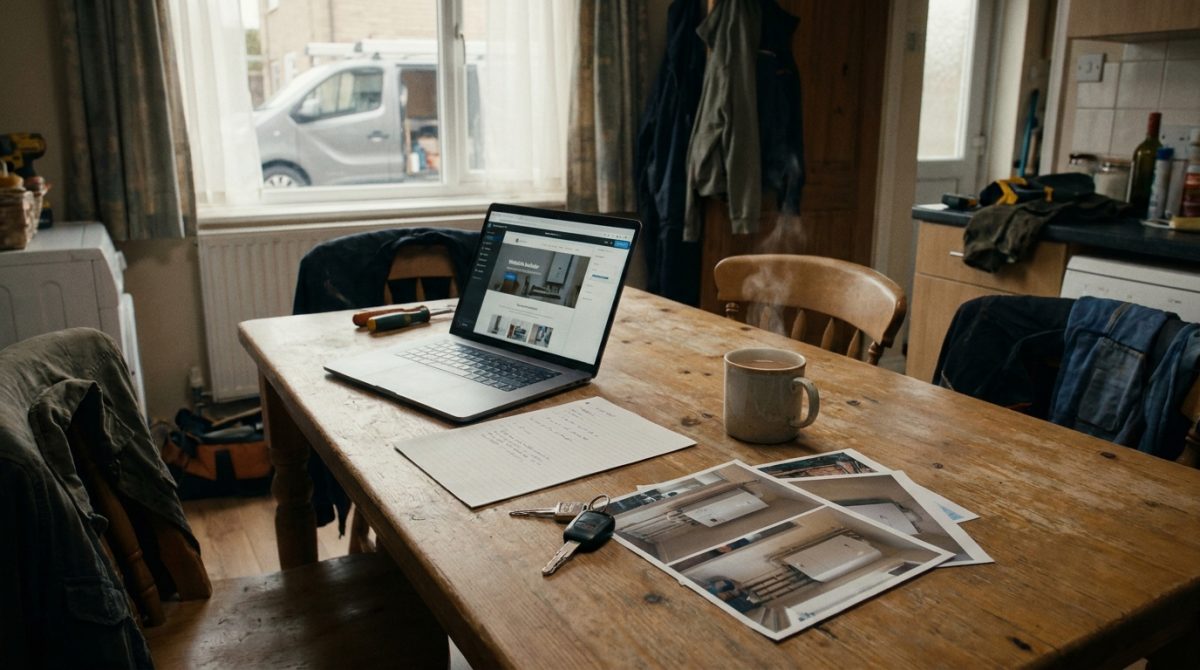
Here is a one-page worksheet you can copy into a notes app or onto paper:
- Business name and trade:
- Main goal (calls, quotes, bookings or sales):
- Ideal customer in one sentence:
- Areas covered:
- Pages needed:
- Services, with "from" prices if you give them:
- Accreditations and insurance:
- Opening hours, phone, email:
- Colours and logo file:
- Photos and reviews ready (yes/no):
- Domain name:
The anatomy of a strong first prompt
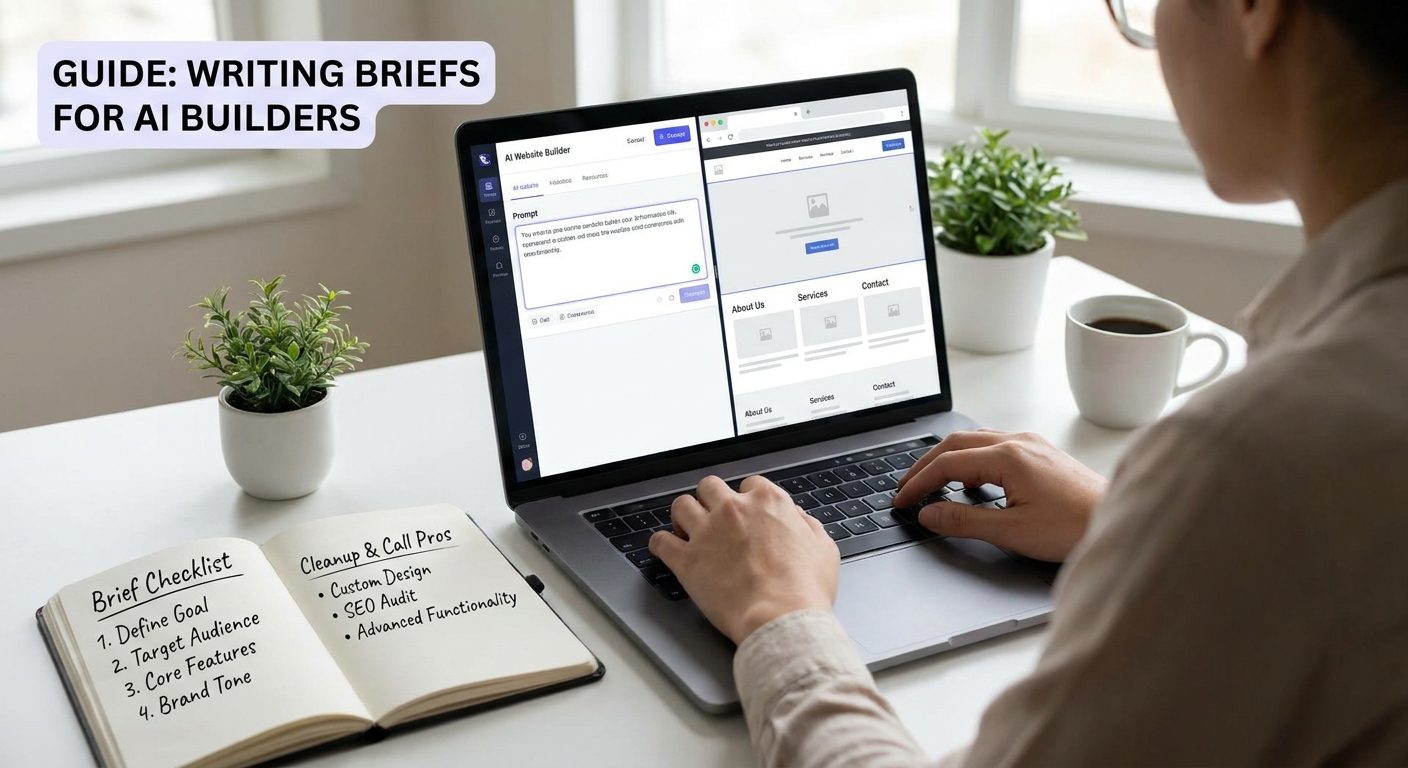
A good first prompt has seven building blocks. You do not need fancy wording, just an answer to each one:
- Who you are: business name and type of business.
- What you sell: your main services or products.
- Who it is for: your ideal customer.
- Where you work: towns, counties or "online, UK-wide".
- Pages needed: the list you decided earlier.
- Look and feel: a few plain words about style.
- The action you want: call, request a quote, book.
From basic to better
A typical starter prompt looks like this:
Create a modern website for a local photography business. Include Home, About, Portfolio, Pricing and Contact pages. Use a clean black-and-white style with large images and a simple contact form.
That is a decent start, since it names pages and a style. But it does not say where, for whom, or what visitors should do. Here is the stronger version:
Create a modern website for a family and newborn photographer based in Brighton, working across Sussex. Include Home, About, Portfolio, Pricing and Contact pages. Use a clean black-and-white style with large images and a simple contact form. The audience is new parents and families who want relaxed, natural photos. Every page should lead to "Book a free chat".
Now the builder can write headlines that mention Sussex, choose a warmer layout, and point every page at one action.
Tone, and what to leave out
Describe your voice in plain words: "friendly, no jargon, British English". Say what to avoid as well, such as "no buzzwords, no claims we cannot prove". Then add a firm instruction: do not invent testimonials, prices, awards or years in business. Builders will happily write "trusted for over 20 years" if you let them.
Length and style words
Aim for roughly 100 to 200 words. That is enough detail to steer the build, but short enough that the builder stays coherent. Pages of instructions tend to get half-followed.
Stick to everyday style words like clean, warm, trustworthy, bold or simple. Design jargon such as "asymmetric grid with glassmorphism" is more likely to confuse the tool than help it.
Copy-and-paste prompt templates for a trade, a service business and a start-up
Each template below is a complete first prompt. Replace everything in [square brackets] with your own details, delete any line that does not apply, and paste the lot into the builder. Keep the details real, because the builder will happily invent anything you leave out.
Template 1: a local trade (electrician, plumber, heating engineer)
Create a website for [business name], a [electrician/plumber/heating engineer] covering [town], [nearby town], [nearby town] and surrounding areas. Our main services are [three main services]. Lead with 24-hour emergency call-outs, and put a click-to-call button for [phone number] at the top of every page, plus a sticky call bar on mobile. Show our [Gas Safe / NICEIC / other] registration badge and number [number] near the top of the homepage. Include a short quote request form (name, phone, postcode, job description), a service area section, and a Contact page. Tone: friendly, plain English, no jargon. Do not invent reviews, prices or qualifications. Use British English.
The line about not inventing anything matters most for trades. A made-up accreditation on a gas or electrical site is a real problem, not just a typo.
Template 2: a service business (bookkeeper, personal trainer, consultant)
Create a website for [business name], a [bookkeeper/personal trainer/other] based in [town] helping [type of client, e.g. sole traders, busy parents]. Pages: Home, Services, About, FAQ and Contact. Services and packages: [package 1 and price], [package 2 and price], [package 3 and price]. The About page should tell my story in first person: [two sentences on your background and why you do this]. One thing that makes us different: [one thing that makes us different]. Add an enquiry form [or booking link to Calendly/other] and a short FAQ covering [three common questions]. Tone: calm, professional and reassuring. Use British English. Do not invent testimonials or statistics.
Template 3: a start-up with a small product line
Create a website for [brand name], a new [type of product] brand from [town]. We sell [number, e.g. four] products: [product 1], [product 2], [product 3]. Show a simple shop with [price] pricing, or if we are not live yet, a "coming soon" page with an email sign-up for launch news. Include a brand story page explaining [why you started]. Add a delivery and returns page: [delivery cost and timescale], [returns window]. Style: [two or three style words, e.g. warm, natural, minimal]. Use British English. Do not invent reviews or press mentions.
What to delete
Strip out anything that is not true for you today. No emergency service? Delete that line rather than leaving it in. No accreditation badge yet? Remove it entirely. No prices you want public? Say "enquire for a quote".
Template 3 suits a handful of products only. A shop with dozens of items, variations, stock levels and shipping rules is a different job, and we cover where that sits later in this guide.
Refining the draft: how to talk to the builder once it has built something
Treat the first result as the start of a conversation, not a finished answer. It will be about 70% right and oddly wrong in places. Your job now is to steer, and the best way to steer is to change one thing per follow-up prompt. If you ask for six changes at once and the page gets worse, you will not know which instruction caused it.
Good follow-ups are short and specific:
- "Make the headline mention Worthing."
- "Shorten the services section to three items."
- "Rewrite the About page in first person."
- "Move the contact form above the footer."
- "Replace the word 'solutions' with plain descriptions of what we actually do."
You can also ask the AI to mark its own homework. Try: "What is missing from this page for a first-time visitor who has never heard of us?" You will often get sensible prompts back, such as no clear price guidance, no mention of how quickly you reply, or no obvious next step. Treat the answers as suggestions, not orders, and add only what is genuinely true.

Know when to stop prompting
Prompts have a ceiling. Swapping a photo, correcting a phone number or nudging a colour is usually quicker by hand, and the AI sometimes "fixes" one thing while quietly changing three others. Several builders let you click straight into the page after generation, including Hostinger and GoDaddy Airo, so use that for small edits and save prompts for bigger moves like restructuring a page or rewriting a section.
Finally, keep a note of the prompts that worked. A simple document with your original brief, each follow-up that improved things, and the tone instructions you liked will save you starting from scratch when you add a page or rebuild next year.
The tidy-up checklist: what to check before you publish
An AI draft looks finished long before it is. Work through this list in order, and do not skip the dull bits, because they are exactly where the mistakes hide.
- Copy. Read every line aloud. You will hear the stilted phrases and the claims you would never say to a customer. Remove invented facts, vague boasts ("award-winning", "years of experience" when you have not said how many), fake reviews and any placeholder text such as "Lorem ipsum" or "Your Company Name". Check spelling is British English: "organisation", "colour", "centre".
- Facts. Verify your phone number, email, address, opening hours, prices and service areas on every page, and again in the footer. Builders often repeat a detail in several places, and one of them is usually wrong.
- Images. Replace stock photos with your own wherever you can: your van, your work, your face. Add alt text that describes what is in each picture ("Electrician fitting a consumer unit in a Worthing home"). Compress large files before uploading, as a 5MB photo straight off a phone will slow the page badly.
- Mobile. Open the site on a real phone, not just a browser preview. Check the menu opens, the buttons are easy to tap, and the text is readable without pinching. Then tap every call button and make sure it actually dials.
- Speed. Run your homepage through Google PageSpeed Insights and write down the score. You are not chasing a perfect 100, just a baseline, so you can see whether later changes help or hurt.
- Forms. Submit a test enquiry yourself and confirm it arrives in your inbox, not your spam folder. Do it from a different email address too, and check the visitor sees a proper thank-you message.
- HTTPS. Look for the padlock in the address bar, and make sure the address loads over https, including if you type the http version.
- Basics for search. Give every page a unique title (roughly 60 characters) and meta description (roughly 155), with one clear H1 per page that says what the page is about. Then link your site from your Google Business Profile so local searchers can find you.
Tick these off, and keep a screenshot of the PageSpeed score and the test enquiry email. If something fails and you cannot fix it in the builder, that is useful information for later.
The legal and trust bits AI will not sort out for you
An AI builder will happily generate a footer that says "Privacy Policy" and "Terms". What sits behind those links is another matter, and it is your responsibility as the site owner, not the tool's.
Privacy and cookies
If your site collects any personal data, you need a privacy policy under UK GDPR. A contact form counts, because a name, email address and phone number are personal data. The policy should say what you collect, why, how long you keep it, who sees it (your email provider, for example) and how someone can ask for it to be deleted.
Cookies are a separate rule, covered by PECR. If you use analytics (Google Analytics, for instance) or marketing cookies such as a Meta pixel, you need a cookie notice and a consent setup that lets visitors say no before those cookies are set. A banner that simply says "We use cookies" with one OK button does not do the job.
Business details
A limited company must show its company name, registration number and registered office address on the website. Sole traders should show their own name and a contact address. Add an email address too, so people can reach you without filling in a form.
Selling online
If you sell to consumers online, you need terms and conditions, plus clear returns and delivery information. The Consumer Contracts Regulations apply to distance sales, which in most cases means customers get a 14 day cancellation period and must be given certain information before they buy. Write your delivery times, costs and returns process in plain English and put them where people can see them before checkout.
Treat AI legal text as a draft
AI-generated privacy or terms text is a starting point only. It is often written with another country in mind, so you may find references to US state laws or the wrong regulator. Read every line, strip out anything that does not apply, and have a professional check it if you take payments or handle sensitive details.
Trust signals
Visitors decide quickly whether you are real. Use genuine reviews with a name or first name and town, any accreditations you hold (Gas Safe, NICEIC, FSB), and a line about your insurance if relevant. Use your own photos of your team and your work. AI-generated smiling strangers and stock handshakes do the opposite of building trust.
Where AI builders run out of road, and when to call a professional
AI builders are good at getting you to a tidy five-page site. They struggle once your needs stop looking like the average small business site.
Signs you have outgrown the builder
You are probably hitting the ceiling if you need any of the following:
- Bespoke layouts that the templates cannot do, however you reword the prompt
- A booking or payment system tied to your diary or accounts
- Dozens or hundreds of products, with variations, stock levels and delivery rules
- Integrations with a CRM, accounting software or a quoting tool
- A lot of pages, such as one for every service in every area you cover
If you find yourself spending evenings fighting the tool to move one button, that is the signal.
Search is the common gap
An AI builder creates a site. It does not plan which keywords to target, which local landing pages you need, or what you will publish over the next year. A plumber in Worthing who wants to be found for "boiler repair Worthing" and also for Goring, Lancing and Broadwater needs a structure and content plan, not just a nice homepage. That is strategy work, and it is where most DIY sites quietly stall.

Brand and conversion
A template guess is built around the average business. A professionally designed site is built around your customers, your goals and what you want a visitor to do next. That difference shows up in enquiry numbers, not just looks.
Lock-in and ownership
Before committing, check three things. Can you export your site or move it to another host? Who owns the domain, you or the builder? What happens to your site if you stop paying? Some builders keep everything inside their platform, so leaving means rebuilding from scratch.
An honest cost-benefit
For a sole trader testing an idea, a DIY site may be perfectly fine. For a business that relies on web enquiries to pay the wages, a professional build often earns back its cost with a handful of extra jobs.
The hybrid route
Your AI draft makes an excellent brief for a designer. It shows what you like, what you want to say and which pages you need, which saves discovery time and money.
When you approach an agency, bring your prompt, your planning worksheet, your logo and brand colours, and your goals. Ask them:
- Who owns the site, the domain and the content once it is built?
- How will you plan for search, and can you show local examples?
- What happens after launch: updates, security, backups, support?
- What does it cost over three years, not just up front?
Your first week plan: from brief to live site and beyond
Here is the whole process squeezed into a working week. It is realistic for a sole trader fitting this around paid work.
- Day 1: Complete your worksheet: goal, audience, services, areas covered, pages needed. Gather your logo, colours, photos and testimonials. Knowing your pages in advance speeds up the build, as GoDaddy's AI guide also advises.
- Day 2: Paste in your first prompt, then refine section by section.
- Day 3: Check every line of copy and every fact: prices, phone number, opening hours, areas covered.
- Day 4: Test on a real phone, check page speed, and submit every form to confirm the enquiry lands in your inbox.
- Day 5: Add your privacy policy, cookie consent, business details and analytics. Confirm the site loads over HTTPS, then publish.
After launch
Set up Google Search Console and submit your sitemap so Google knows the site exists. Claim or update your Google Business Profile and make sure the name, address, phone number and website match your site exactly.
Ask three happy customers for a review this week, and add their words to the site with their permission. Real feedback beats anything the AI can write.
After 30 days, review your enquiries and see which pages get visits. Pages nobody reads need rewriting, and pages that bring traffic deserve more detail. Revisit your prompt templates every few months as your services, prices and areas change.
The recommendation is simple. Write the brief carefully, tidy up thoroughly, and treat the AI as a fast first draft rather than the finished article.