Getting a new website built is exciting. New design, faster load times, better conversion rate. But if the migration is handled carelessly, you can watch your Google rankings fall off a cliff within weeks, and spend the next year trying to claw them back.
According to Search Engine Journal, the effects of what is known as an SEO migration hangover can linger for 12 to 18 months. That is 12 to 18 months of lost enquiries, lost sales, and wasted ad spend. For a small business, that is a serious hit.
The good news is that it is almost entirely preventable. Here is what you need to do before, during, and after a website migration to keep your rankings intact.
Why Traffic Drops After a Migration
When you move to a new website, a lot changes at once. URLs change, page titles shift, content gets restructured, and sometimes entire pages disappear. Google has to re-evaluate all of it, and if you have not helped it understand what has moved where, it will treat your new site as something entirely unfamiliar.
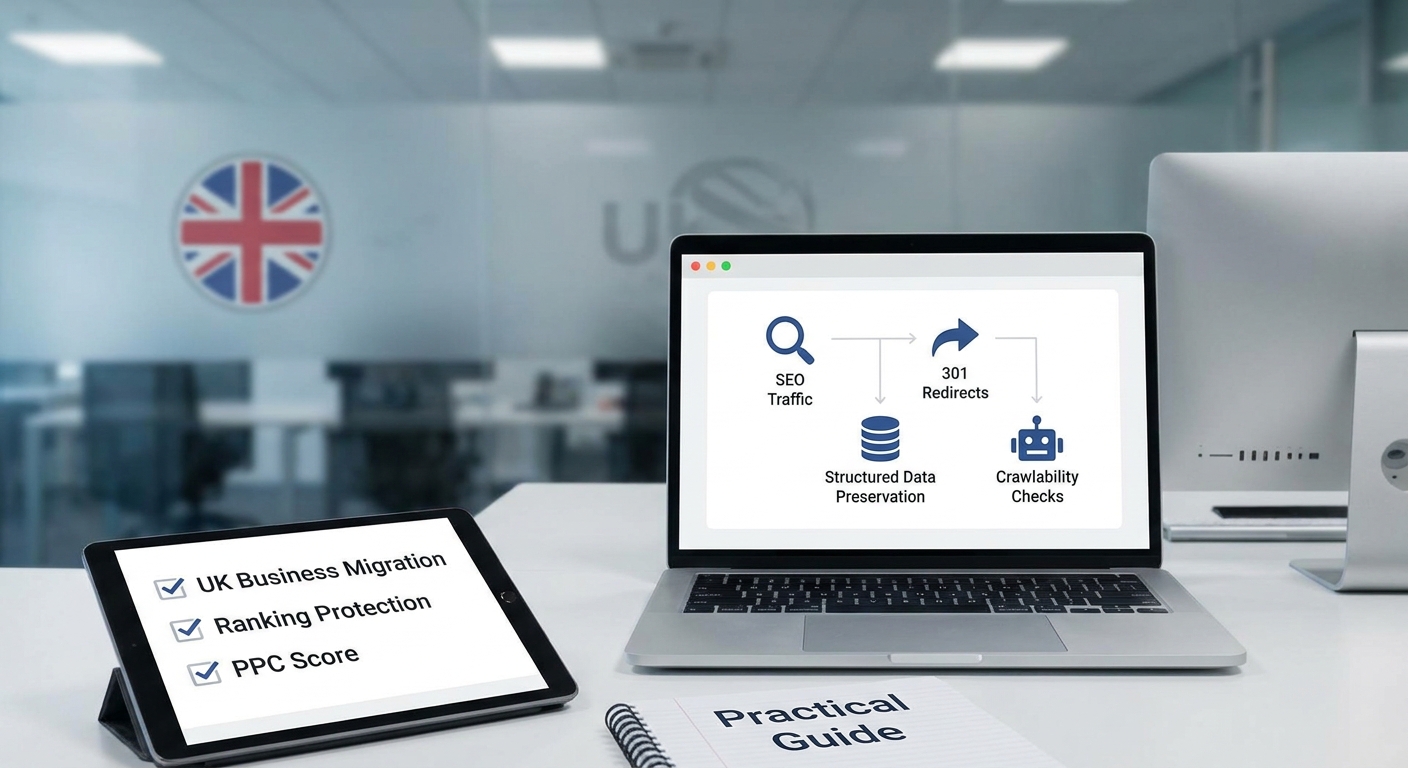
The most common culprits behind post-migration traffic drops are:
- Old URLs returning 404 errors instead of redirecting to new pages
- Structured data (schema markup) being stripped out during the rebuild
- Internal links pointing to dead pages
- The new site accidentally blocking search engines from crawling it
- Loss of page speed performance, especially on mobile
Any one of these issues can cause a ranking drop. Several of them together can be catastrophic. One B2B SaaS company, cited by Takeoff NYC, lost 95% of its keyword rankings after a poorly managed redesign. That is not an outlier story. It happens more than people realise.
Start With a Full URL Audit Before You Do Anything
Before your new site goes anywhere near a live server, you need a complete record of your existing URLs and the traffic or rankings attached to them. Tools like Screaming Frog (free up to 500 URLs) or Google Search Console will give you this.
Export every URL that currently ranks in Google or receives meaningful organic traffic. These are the pages you cannot afford to lose. They need to either be preserved on the new site with the same URL, or redirected properly to an equivalent new page.
Do not skip this step and assume your developer will handle it. Most web developers are not SEO specialists. This is a job that needs deliberate attention, ideally before a single page of the new site is built.
301 Redirects: The Single Most Important Thing to Get Right
A 301 redirect tells Google (and your visitors) that a page has permanently moved to a new location. Get these right and Google transfers the ranking authority from the old URL to the new one. Get them wrong and that authority evaporates.
As Jeff Coyle at Siteimprove puts it:
Successful migrations hinge not on design flair but on the diligence of redirect mapping.
Practical rules for 301 redirects during a migration:
- Map every old URL to its closest equivalent new URL, ideally one that covers the same topic
- Avoid redirect chains (old URL redirects to a second URL which redirects to a third). Keep it one hop.
- Do not redirect everything to your homepage. That tells Google nothing and wastes the equity those old pages built up.
- Test every redirect before launch using a tool like Redirect Checker or Screaming Frog
If your old site had 200 pages and your new site has 80, you still need to redirect all 200. Pruning content is fine, but you need to send those old URLs somewhere sensible.
Preserve Your Structured Data
Structured data (also called schema markup) is the code that tells Google what your content actually is. A local business schema tells Google your address and opening hours. A review schema powers those star ratings in search results. A product schema feeds information to Google Shopping.
During a rebuild, structured data is frequently stripped out by accident, especially if the developer is working from a new template or a different CMS. If you had rich snippets in your search listings before the migration and they disappear afterwards, you will likely see a drop in click-through rates even if your rankings hold.
Before migration, document all the schema markup currently on your site. After launch, use Google's Rich Results Test to check it has been carried across correctly.
Check Crawlability Before You Go Live
This one sounds obvious but it catches people out constantly. During development, most websites are set to block search engines so Google does not index a half-finished site. The problem is that developers sometimes forget to remove that block before launch.
The setting is usually a checkbox in WordPress called Discourage search engines from indexing this site or a line in the robots.txt file that reads Disallow: /. Either one will stop Google from crawling your new site entirely.
Run a crawl of your new site the day it goes live. Check your robots.txt file directly by typing yourdomain.co.uk/robots.txt into a browser. Submit your new sitemap to Google Search Console immediately after launch.
Watch the Numbers After Launch
Even a well-planned migration will see a short period of fluctuation while Google re-crawls and re-indexes your pages. A small dip in the first two to three weeks is normal. What you are watching for is a sustained drop that does not recover.
Set up monitoring before launch so you have a baseline to compare against. Google Search Console and Google Analytics 4 are both free. Keep an eye on:
- Total organic sessions week on week
- Rankings for your most important keywords
- Crawl errors reported in Search Console
- Pages indexed (check the Index Coverage report)
If you run Google Ads, watch your quality scores too. Quality scores are tied partly to landing page relevance and experience. If your ad landing pages have changed URLs without proper redirects, your quality scores can drop, which pushes up your cost per click.
Get Help If You Are Planning a Redesign
A website migration is one of the highest-risk moments in a business's digital life. Done well, it can improve your rankings alongside the improved design. Done badly, it can undo years of SEO work in a matter of weeks.
If you are planning a redesign and you have rankings worth protecting, make sure SEO migration planning is part of the brief from day one. It should not be an afterthought tagged on after the design is finished. It should shape decisions about URL structure, content, and site architecture from the very start.
At Samson Web Design, we factor SEO continuity into every website project we take on. If you want to talk through an upcoming migration or redesign, get in touch with our team and we will make sure your hard-won rankings survive the move.