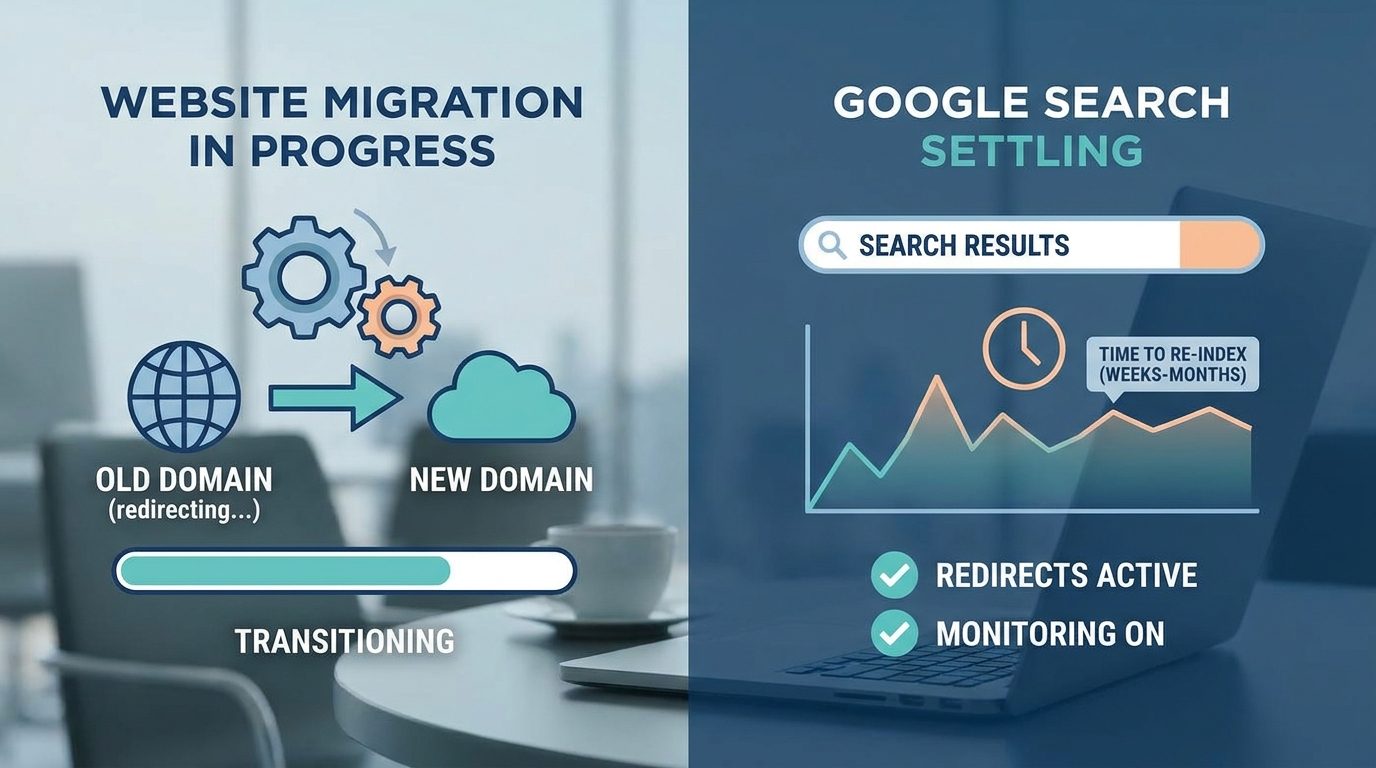
Google can take months to fully process a website move, and during that time it will sometimes show your old URLs in search results even though everything has been redirected correctly. That's not necessarily a sign you've broken something. It's how the process works, and knowing that saves a lot of panic.
We see business owners launch a new site on a Friday, check Google on Monday, spot a dip, and start tearing things apart. Sometimes there's a genuine fault. Often there isn't, and the changes they make in a rush cause more damage than the original dip.
This guide covers what a realistic timeline looks like, why it takes so long, and the specific checks that separate a bumpy few weeks from a lasting loss of rankings.
What counts as a website move
People often think a migration only means changing your domain name. It's wider than that. Any of these can trigger the same settling-in period:
- Moving from oldname.co.uk to a new domain after a rebrand
- Switching platforms, for example from Wix or an old WordPress build to a custom site
- Changing your URL structure, such as /services/boiler-repair becoming /boiler-repair
- Moving from http to https, or adding or removing www
- Merging two websites into one
In every case, Google has to learn that a page it already knows at one address now lives at another. It has to do that for every page, then decide how much of the old page's reputation to hand over.
Why it takes months, not days
Google doesn't re-read your whole site overnight. It crawls different pages at different speeds. Your homepage might be revisited daily, while a service page you've not updated since 2021 might be checked every few weeks.
Until Google revisits an old URL and sees the redirect, it carries on treating that URL as the real one. That's why you may still see old addresses in results weeks after launch. Your new pages can appear alongside them, then swap over gradually as each one is recrawled.
Size matters too. A ten-page tradesman's site will usually settle faster than a 500-product online shop. One agency guide puts a domain transfer at roughly 4 to 12 weeks for full completion depending on the size of the site, and other sources suggest that a well-handled move often recovers in 4 to 8 weeks. Google itself has said processing can stretch beyond four months in some cases.
What a realistic timeline looks like
Every site differs, but this is a sensible picture of what to expect when the move has been done properly.
- Week 1 to 2: Some turbulence. Rankings may bounce around, and a mix of old and new URLs may show in search results.
- Week 3 to 8: Most of your important pages should have switched to the new addresses. Traffic typically starts to recover during this window.
- Month 3 to 4: Stragglers drop away. Old URLs on pages Google rarely visits may finally be replaced.
- Beyond four months: Occasionally an old URL still appears. If your redirect is working, this is untidy rather than harmful.
If the move was botched, the picture is different. Recovery can take several months, and in some cases rankings never fully return. That gap between "slow but fine" and "actually broken" is what you need to be able to spot.

The redirect mistakes that cost the most
The single most damaging error is failing to set up 301 redirects from old URLs to their new equivalents. A 301 tells Google, permanently, that a page has moved. Without it, Google sees the old page vanish and a brand-new, unproven page appear, so the authority you built over years doesn't carry across.
Even when redirects exist, they're often wrong in subtle ways. Watch for these:
- Everything redirected to the homepage. Google treats this as a soft error in many cases. Each old page should point to its closest new equivalent.
- Redirect chains. Old page goes to a middle page, which goes to the final page. Every extra hop slows things down and risks losing signals.
- Temporary 302 redirects used instead of 301s. These say "this move isn't permanent", so Google may keep the old URL indexed.
- Redirects missed for old blog posts, PDFs and images that still have links pointing at them.
Before launch, build a spreadsheet with every old URL in one column and its new destination in the next. It's dull work, but it's the most valuable hour you'll spend on the whole project.
Other launch-day slip-ups
Redirects get the headlines, but several smaller mistakes regularly sabotage a move. They tend to be simple oversights rather than technical failures.
- Leaving the staging site blocked. Developers often block search engines while building. If that "noindex" setting or robots.txt block comes across to the live site, Google is told to ignore you.
- Forgetting the sitemap. Submit a fresh XML sitemap of the new URLs in Google Search Console on launch day.
- Wrong canonical tags. If the new pages still point to the old addresses as the "main" version, you're sending Google contradictory instructions.
- Changing content at the same time. Rewriting every page while also changing the URLs makes it impossible to tell what caused any drop.
That last one is worth dwelling on. If you can, move first and redesign or rewrite later. Changing fewer things at once means fewer suspects when something goes wrong.
Tell Google about a domain change
If you're moving to a new domain, Search Console has a Change of Address tool. You add and verify both the old and new sites, then submit the move. It doesn't replace redirects, it backs them up.
Google applies a signal transfer period of around 180 days after you use it, according to Shopify's migration checklist. After that, it no longer recognises a relationship between the old domain and the new one. That's a strong reason to keep the old domain registered and redirecting well beyond six months, ideally for years.
Letting the old domain expire is a common and avoidable mistake. Anyone who still links to it, from a directory listing to a supplier's website, would send visitors and ranking value into a dead end. Renewing a domain costs a few pounds a year, which is trivial compared with the value of those links.
What to monitor, and how often
Once you've gone live, the work shifts from building to watching. You don't need expensive software, as Google Search Console and Google Analytics cover most of it.
On launch day
Click through the key pages on the live site and test your redirects with a handful of old URLs. Check that the site isn't blocked from indexing, that canonical tags point to the right place, and that your sitemap has been submitted. This is your day-zero check, and it catches problems while they're still small.
In the first month
Look at the Pages report in Search Console every few days. You want to see the number of indexed new URLs climbing and errors staying low. Watch for spikes in "Not found (404)" errors, which usually mean a redirect you missed.
Check your top ten pages by traffic specifically. If a few pages that earned most of your enquiries have slipped while the rest are fine, you have a targeted problem to fix rather than a site-wide one.
In months two to six
Compare organic clicks against the same weeks last year, not just against the weeks before launch, so seasonal swings don't fool you. A plumber's site will naturally dip in summer. Keep an eye on which old URLs are still appearing in search and whether they redirect properly when you click them.
When to worry, and when to wait
A dip is normal. A cliff is not. Use a few rules of thumb to tell the difference.
- Wait: a modest drop in traffic that starts improving within a few weeks, with new URLs steadily appearing in the index.
- Investigate: old URLs still showing after several months, or key pages not appearing at all on the new addresses.
- Act immediately: a sudden collapse in indexed pages, a flood of 404s, or a noindex tag on the live site.
The biggest temptation during the waiting period is to keep fiddling. Changing URLs again, swapping redirects around, or reverting to the old site resets the clock and confuses Google further. Fix proven faults, then leave the rest alone.
Reducing the risk before you start
The easiest migration is the one with fewer moving parts. If your domain name is perfectly good, keep it. A domain change adds risk, so it should only happen when there's a real reason such as a rebrand.
It's also worth listing the handful of pages that bring in most of your enquiries before any design work begins. For many small firms, that's a few service pages and the homepage. Protect those first, giving each one a precise redirect and checking it manually after launch.
Resist the pressure to launch on a fixed date regardless of readiness. As Moz points out, "launch ASAP and fix later" is a classic mistake, and migrations are often more time-consuming than stakeholders expect. A week's delay to finish redirect testing costs far less than months of lost visibility.
The bottom line
A website move is a slow handover, not a switch. Google needs time to recrawl, reassess and reassign your pages, and some of that is simply out of your hands.
What is in your hands is the preparation: a complete redirect map, a clean launch checklist, a submitted sitemap, and steady monitoring afterwards. Do those things and the months of waiting are mostly uneventful. Skip them and the months can turn into a permanent loss of the rankings you worked hard to earn.