A website that launched three years ago and hasn't been touched since is not a marketing asset. It's a liability. It gives the impression the business might have closed, that nobody is minding the shop, and that a competitor who updated their site last month is probably the safer bet. Yet this is exactly the situation thousands of UK small businesses are in right now.
The mistake isn't building the site in the first place. The mistake is assuming the job was finished on the day it went live.
Why Most Small Business Websites Quietly Fail Their Owners
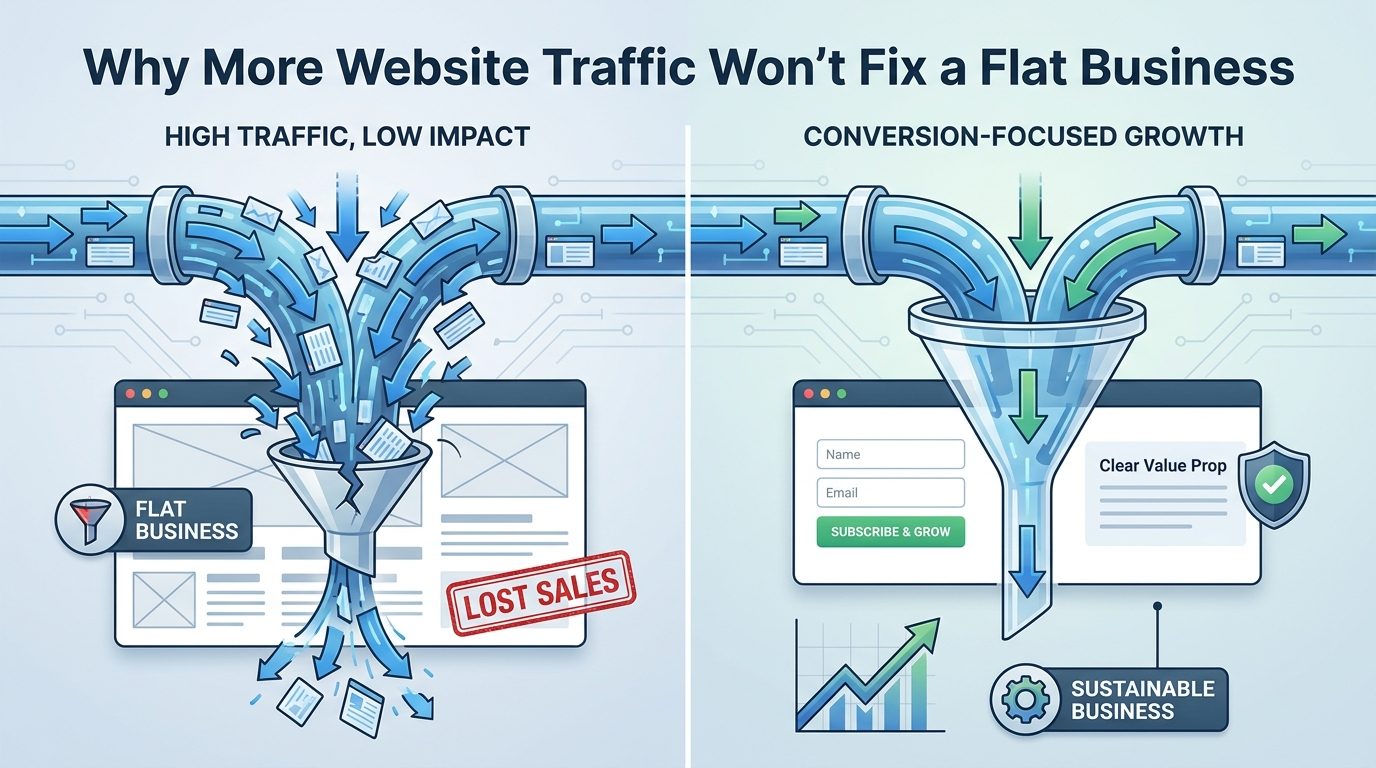
There is a meaningful difference between a digital brochure and a conversion tool, and most small business websites in the UK are the former. A digital brochure tells people what the business does. A conversion tool takes someone who has never heard of the business, answers the question they actually typed into Google, earns their trust within about eight seconds, and gives them a clear reason to pick up the phone or fill in the contact form. The gap between those two things is where revenue gets lost.
UK small businesses collectively spend a substantial share of their marketing budgets on websites that attract almost no qualified traffic. The site might look fine on a desktop. The logo might be professional. But if nobody searching for the service in the right town is finding the page, those design choices are irrelevant. Money spent on a site that ranks on page four of Google is money that produced little return.

The three failure modes this article covers are not about fonts, colour schemes, or whether the copy sounds clever enough. They are about structure, visibility, and trust signals. Fix those three things and the aesthetics become far less important, because you will actually have visitors who stay long enough to read anything.
Many owners assume a new website automatically generates customers. The logic feels reasonable: the business is now online, so people can find it. But publishing a site and having Google surface it to the right people in the right place are two entirely separate events. One happens the moment you press publish. The other requires deliberate, ongoing work. Owners who don't know this tend to stop investing in the site the day it goes live, and then wonder six months later why the phone hasn't rung any more than it did before.
Use this article as a self-diagnostic. By the time you reach the end, you should have a clear sense of which of the three mistakes is doing the most damage to your business right now, and a concrete first step you can take this week to start fixing it. You don't need a developer for all of these. Some can be corrected in under an hour.
Mistake One: Building a Website for Yourself Instead of for Google's Local Results
For a trade business, a local service provider, or a high-street shop, the single most valuable source of website traffic is local search intent. Someone in your town, right now, has a problem you can solve, and they are typing it into Google. The question is whether your website is what comes back at them.
Most small business owners write homepage copy that describes what they do in general terms. 'Quality plumbing services.' 'Trusted electricians.' 'Expert accountancy for small businesses.' These phrases tell the human reader something. They tell Google almost nothing useful about where the business operates. Google is trying to match the searcher's query, which almost always includes a location, to the most relevant and trustworthy result in that area. If your website never mentions where you are in relation to your service, Google has no strong reason to put you in front of someone nearby.
Take a plumber based in Worthing. If the homepage heading reads 'Reliable Plumbing Services' and the rest of the page follows the same pattern, that page will not rank for 'plumber Worthing', 'emergency plumber Worthing', or 'blocked drain West Sussex'. Those are the searches that come from people ready to book. A homeowner with a burst pipe is not browsing. They are buying. Missing that search means missing that customer, and that customer will go straight to whoever does appear.
Where the fix actually starts
The three most important places on any page for local search are the title tag (the text that appears in the browser tab and in Google's search results), the H1 heading at the top of the page, and the opening paragraph. All three should include both the specific service and the specific location. 'Plumber in Worthing' in the H1 is not awkward or unnatural for a human to read, and it is exactly what Google needs to see.
For businesses that cover more than one area, one generic page trying to rank for every town is rarely the answer. Dedicated location landing pages, each on their own URL, consistently outperform a single catchall page. A web design agency, for example, might create separate pages targeting 'web design Worthing', 'web design Brighton', and 'web design Chichester'. Each page can carry tailored content about that specific area, local landmarks or business context, and genuine relevance signals for that location. Trying to squeeze all three into a single page means none of them rank as well as they could.
Speed is part of local rankings, not separate from them
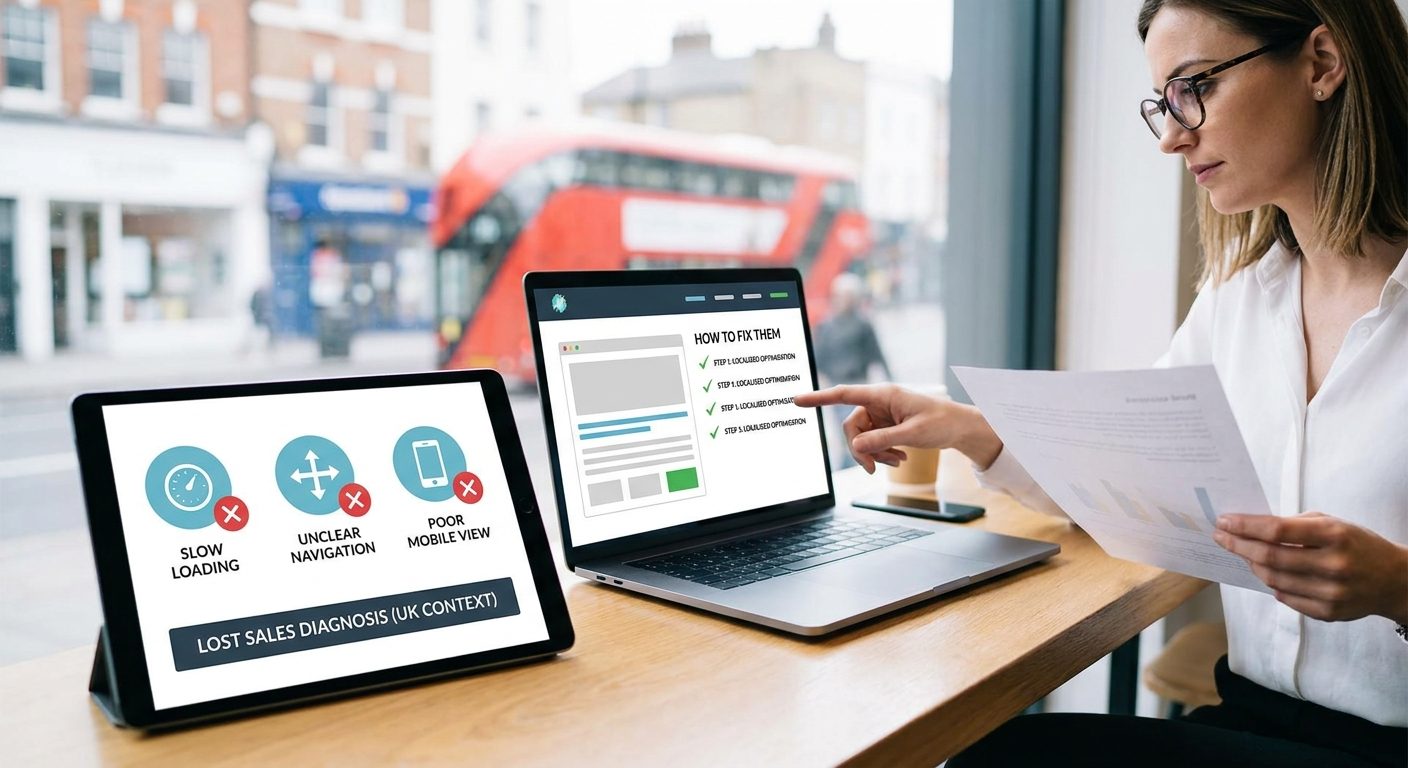
Page load speed is a ranking signal for Google, and it matters even more in a local context where the majority of searches happen on a mobile phone, often while the person is standing in the street or sitting in their car. Google's Core Web Vitals measure how fast and stable a page feels to load, and research on mobile conversion consistently shows that a site taking more than three seconds to load loses around 53 percent of its mobile visitors before the page has even fully appeared. Those people did not decide the site wasn't for them. They simply gave up waiting and went back to the search results to try the next one.
A slow site on a fast broadband connection at your desk might feel fine. That is not the experience your customers are having. Test your site using Google's free PageSpeed Insights tool, which gives you a score out of 100 and tells you specifically what is slowing things down, whether that is uncompressed images, unused JavaScript, or a hosting server that takes too long to respond.
Practical checklist item
Right now, open an incognito browser window (Ctrl+Shift+N in Chrome, Command+Shift+N on a Mac) and search for your core service plus your town. Look at what comes back. If your site is not on page one, you are invisible to the most motivated buyers in your area. Note specifically who is ranking above you, because those sites are worth studying. What do their title tags say? What does their H1 look like? You are looking for patterns in what Google has decided counts as relevant, and then you are going to replicate that logic with your own content.
The incognito window matters because your regular browser remembers that you visit your own site constantly, which inflates where it appears in your personal results. Incognito shows you what a stranger in your town actually sees.
What Your Google Business Profile Is Actually Worth in Pounds
Before a potential customer even clicks through to your website, they may have already made up their mind based on something they saw in Google's map results. The Local Pack, those three business listings with a map that appear above the organic search results for local queries, captures a disproportionate share of all available clicks on that page. For a business that appears there, traffic arrives without the user needing to dig further. For a business that doesn't appear there, those searchers are effectively invisible.
Businesses appearing in the Local Pack receive roughly 44 percent of all clicks on a local search results page, according to multiple UK SEO studies. Organic listings below the pack share what remains. If you are not in the top three map results, you are competing for a much smaller slice of the same search traffic, and you are doing it against businesses that may have weaker websites but stronger local signals.
Google Business Profile (GBP) is the free tool that controls whether your business appears in that pack. Claiming and fully verifying a listing typically takes under 30 minutes. Yet roughly one in three UK small businesses either has an unclaimed listing, a listing with outdated information, or no listing at all. Someone else may have created a listing for your business through a data aggregator, and that listing might show the wrong phone number, old opening hours, or a former address. That listing is what Google is showing people who search for you.
NAP consistency is not optional
Every detail on your GBP listing must match exactly what appears on your website and on every other directory where your business is listed. Business name, address, and phone number (known collectively as NAP) need to be identical across Google, Yell, Checkatrade, your local council's business directory, and anywhere else you appear. Not similar. Identical. Even minor differences, such as 'St' versus 'Street' in the address, or a geographic dialling code versus a local one, introduce inconsistencies that confuse Google's local ranking algorithm and can suppress your position even when every other signal is strong. The algorithm is not reading these the way a human would, recognising that '01903' and the full number refer to the same place. It is comparing strings of text.
To check for inconsistencies across the web, BrightLocal's Citation Tracker is a practical free starting point. Alternatively, search your business name in Google and spend ten minutes clicking through the results to see how different directories are showing your details. Correct any discrepancy you find at source, which means logging into the directory and updating it directly rather than hoping Google will figure it out.
The GBP features almost nobody uses
Once verified, GBP allows you to publish posts, create offers, and add FAQ entries that appear directly in Google's search results, without the user ever visiting your website. A post about a seasonal promotion, a new service, or a recent project can appear in your business panel and in local search results within hours of publishing. Almost no small businesses use this consistently. The businesses that do use it stand out visibly against competitors whose GBP panels look static and neglected.
Category selection also has a direct effect on which searches trigger your listing. Choose the most specific primary category available rather than a broad parent category. 'Plumber' will match the search query 'plumber near me' far more precisely than 'Home Services' will. Google uses the primary category as one of the stronger signals for what kind of searches your listing should appear in, so getting it right is a straightforward win that takes about two minutes to check.
The action step here is simple: search your business name in Google today and look carefully at what appears in the knowledge panel on the right-hand side of the results. Is the phone number current? Are the opening hours accurate, including any seasonal changes? Is there a primary category listed, and is it the most specific one available? If you spot anything wrong, log in to your GBP dashboard at business.google.com and fix it before the day is out.
The Invisible Trust Gap That Turns Website Visitors Into Bouncers
A website can rank well on Google, load quickly, and look professional, yet still fail to convert visitors into enquiries. The reason is almost always a trust gap. Trust signals are the elements that tell a stranger it is safe to hand over their money, their phone number, or even just their time. Without them, a technically sound site stalls at the final hurdle.
UK consumers are particularly review-conscious. BrightLocal's 2024 research found that 79 percent of people trust online reviews as much as a personal recommendation from someone they know. That is a striking figure, and it has a direct implication: reviews are not a nice extra, they are a core part of how your business is judged before a visitor even reads your homepage properly.
The star-rating filter makes the numbers even starker. A business sitting at fewer than ten Google reviews is statistically invisible to a significant slice of its potential customers. Many people set a minimum star threshold (usually 4.0 or above) and a minimum review count before they will even click through. If you are below that threshold, you are not losing customers at the enquiry stage, you are losing them before they arrive at your site at all.
Reviews are only one layer, though. Trust signals also include:
- A physical address visible in the footer (a PO box does not carry the same weight)
- A genuine photo of the team or premises, not a stock image of people in hard hats who have never been near your van
- A phone number prominently displayed, not buried in a contact page
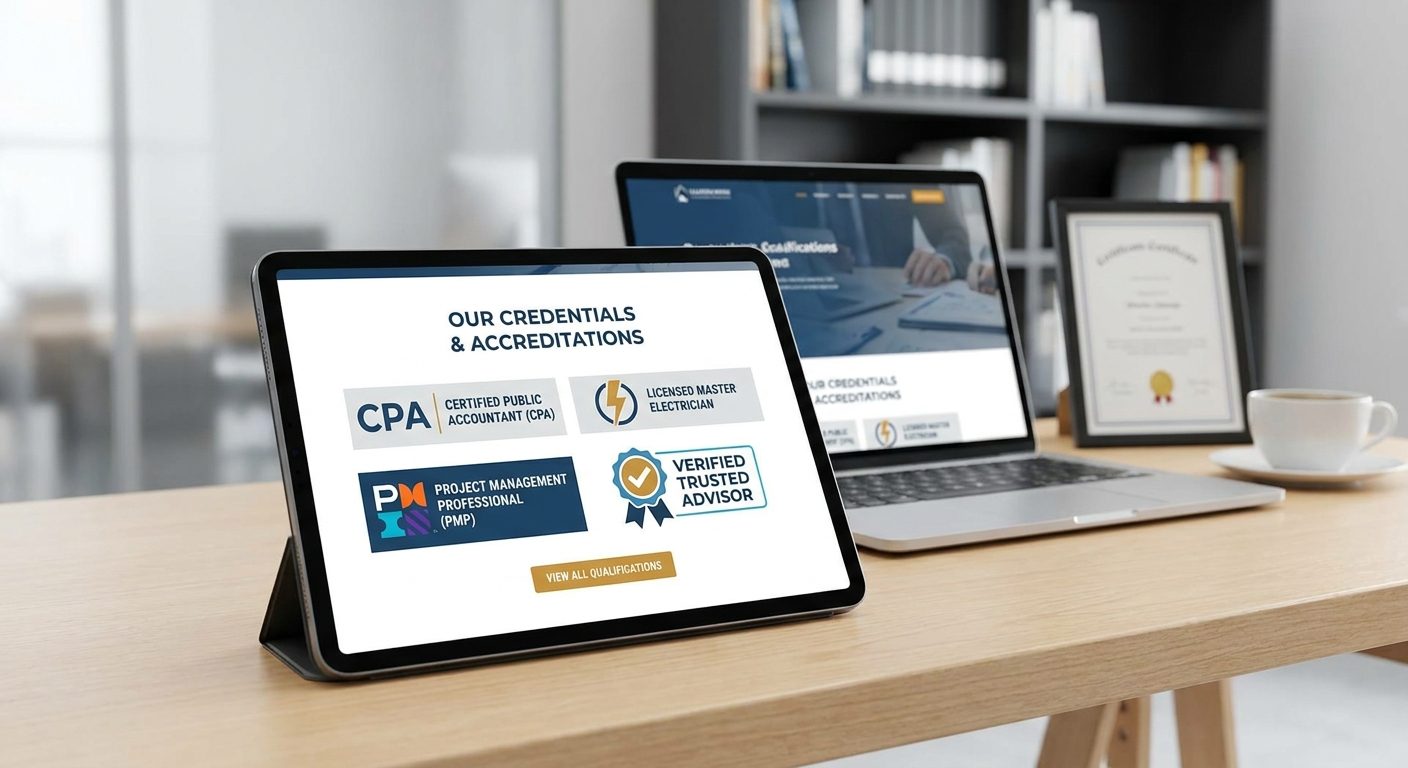
- Accreditation badges from recognised bodies such as the Federation of Master Builders, NAPIT, TrustMark, or the Law Society
- Clear payment terms and refund policies for any e-commerce element
The phone number point deserves particular emphasis for service businesses. In high-consideration purchases, whether that is a plumber, a solicitor, or a builder, UK buyers want to speak to a human being before they commit. A contact form alone signals friction. Many visitors will simply go back to the search results and call a competitor who made it easier.
At a more technical level, the SSL certificate (the padlock that appears in the browser bar when a site uses HTTPS) is now a baseline expectation. Google marks non-HTTPS pages as 'Not Secure', and UK visitors abandon these pages at a measurably higher rate than secured ones. If your site still runs on HTTP, fix this before anything else. Most hosting providers include SSL certificates at no extra cost, and it takes minutes to activate.

How to Get More Reviews Without Being Awkward About It
Most small business owners know they should be collecting reviews. Very few have a system for doing it consistently. The result is a trickle of feedback that never reaches the volume needed to move the trust needle. The fix is not complicated, but it does require a deliberate habit rather than a hope that satisfied customers will act on their own.
The most effective method is a timed follow-up. Ask for a review within 24 to 48 hours of completing a job, when the customer's satisfaction is at its peak and the experience is still fresh. A request sent three weeks later, after the invoice has been paid and the memory has faded, gets a fraction of the response rate. Set a reminder in your phone or CRM the moment a job closes.
The single biggest friction point in the review process is the journey from request to submission. Reduce it by generating a direct Google review link and sending it by text or email. You can create one free using Google's Place ID Finder, which gives you a URL that opens the review box directly on your Google Business Profile. No searching, no scrolling, one tap to start writing. That shortcut alone will significantly increase your conversion rate from request to published review.
Framing the ask matters too. A message along the lines of 'Could you leave us a quick Google review? It genuinely helps a small local business like ours' tends to outperform a generic 'please review us' because it appeals to something real in the UK public: a genuine inclination to support independent traders over large chains. It is not manipulation, it is just honest context.
Once reviews come in, respond to every single one, positive or negative. A response to a five-star review takes thirty seconds and shows prospective customers the business is active and engaged. A thoughtful response to a critical review shows even more, because it demonstrates professionalism under pressure. Consumer surveys consistently show that businesses which respond to reviews are rated significantly more trustworthy than those that do not, with some research putting the uplift at around 1.7 times more trustworthy in the eyes of potential customers.
One thing to never do: buy fake reviews. Google's detection systems are sophisticated and improving constantly. When fake reviews are identified, they are removed without warning, and the Google Business Profile can be suspended entirely, wiping the business from local search results overnight. The short-term boost is never worth that risk.
Building a passive system removes the awkwardness entirely. Add your direct review link to:
- Your email signature
- The footer of your invoices
- The thank-you page that appears after a contact form is submitted
- Any follow-up email you send after a job is completed
Every customer touchpoint becomes a gentle, non-pushy nudge. Over a year, the cumulative effect of this approach is far greater than any single push campaign.
Mistake Two: A Homepage That Describes the Business Instead of Solving the Visitor's Problem
Open a random sample of UK small business websites and you will notice a pattern in the homepage structure. The page begins with the company name in large text, followed by the year it was founded, then a paragraph about the family-run ethos, then a list of services. It reads like a company brochure written for the owner's pride rather than a customer's need.
The problem is structural. A visitor arriving from a Google search is not thinking about your founding year. They have a specific problem in mind, whether that is a broken boiler, a leaking roof, a tax return due in three weeks, or a website that is not converting. The homepage has roughly five seconds to confirm they are in the right place before they press back and try the next result. A page that opens by talking about the business rather than addressing the visitor's situation fails that test routinely.
The hero section, the area visible on screen before the visitor scrolls at all, needs to answer three questions immediately:
- What do you do?
- Who do you do it for?
- What should the visitor do next?
Consider the difference between these two approaches. A weak opening reads: 'Welcome to Smith's Electrical Services, established 2003, serving the local area.' A strong opening reads: 'Worthing electrician available 7 days a week. Call now for a same-day quote.' The second version answers all three hero questions in two sentences. The visitor knows the service, knows it is local to them, knows it is available when they need it, and knows exactly what to do next.
This same logic applies to every individual service page on the site, not just the homepage. The most common structure small businesses use on service pages is also back-to-front: they lead with what the service is, then describe the company's experience, and bury the customer's problem somewhere in the middle. The more effective structure leads with the customer's situation, moves into the solution, shows evidence (reviews, before-and-after photos, case studies), and ends with a clear, easy way to get in touch.
On that last point: a single phone number or contact form tucked into the top-right corner of the page is not enough. Many visitors read a page in full before deciding to act. If the only call to action is at the top, they have to scroll back up to find it, and a meaningful percentage will not bother. Repeat the action step at the bottom of every section. A 'get a free quote' button after the services list, another after the testimonials, another at the foot of the page. Each one removes a small barrier between a curious visitor and a paying customer.
Internal linking between service pages is another area most small business websites handle poorly. A visitor reading a page about annual boiler servicing is exactly the kind of person who might also need emergency callout cover. A natural in-text link between those pages serves the reader and signals to Google that the two topics are connected on your site, which supports the ranking of both. The rule of thumb is simple: if two services are things the same customer might need, the pages describing them should link to each other.
When to Fix It Yourself and When to Bring in a Professional
Not everything on your website requires a developer. Some of the highest-impact fixes are genuinely within reach of any business owner who can set aside an afternoon and follow a checklist. Optimising your Google Business Profile, responding to and requesting reviews, and rewriting your homepage copy to focus on customer problems rather than your own history all fall into this category. No code, no technical knowledge, no agency required.
The middle ground is trickier. Location landing pages, for example, are worth creating if you serve multiple towns, but duplicate content is easy to introduce accidentally if you build them by copying and tweaking a template. Site speed improvements and mobile layout adjustments are possible in a page builder like Elementor, but a misplaced setting can break a page on mobile without breaking it on desktop, and you may not notice until Google already has. These tasks are doable if you have reasonable access to your site and some patience, but they carry real risk if rushed.
Hosting migration, Core Web Vitals remediation, and full site restructures sit firmly in professional territory. The cost of getting a migration wrong, lost rankings, corrupted data, days of downtime, nearly always exceeds the cost of hiring someone who has done it dozens of times. The same logic applies to fixing local SEO gaps that have built up over years: the interactions between citations, schema markup, and page structure are genuinely complex.
A Worthing-based or local UK web design agency brings something a national template service cannot: familiarity with the regional competitive landscape. They can benchmark your site against the businesses actually competing with you in local search, not against a generic national average that tells you very little about whether a plumber in Shoreham is outranking you for the searches that matter.
The clearest signal that it is time to bring in help is this: if the one-hour audit reveals all three mistake categories are present and you have already spent more than a few hours trying to fix them without visible progress, professional intervention will pay for itself quickly. Every week those problems persist is another week of visitors leaving without making contact. At that point, the question is not whether you can afford a specialist. It is whether you can afford to keep waiting.