Most business owners think SEO is about competing with every other website on the internet. It isn't, at least not for a local trade or service business. If you run a window cleaning company in Worthing, you don't need to outrank a national directory with 10,000 backlinks. You need to show up when someone two miles away searches for window cleaners on their phone. That is a completely different game, and it's one you can actually win.
The mechanics behind local search are simpler than most people think, and the actions that move the needle are largely free. Here is how it works and what to do about it.
Why Google Treats 'Near Me' Searches Differently to Everything Else
46% of all Google searches have local intent. That means nearly half of everything people type into Google is an attempt to find something nearby, whether they include a place name or not. Google knows this, and it has built a separate set of rules to handle those searches in a way that standard page-ranking logic simply doesn't cover.
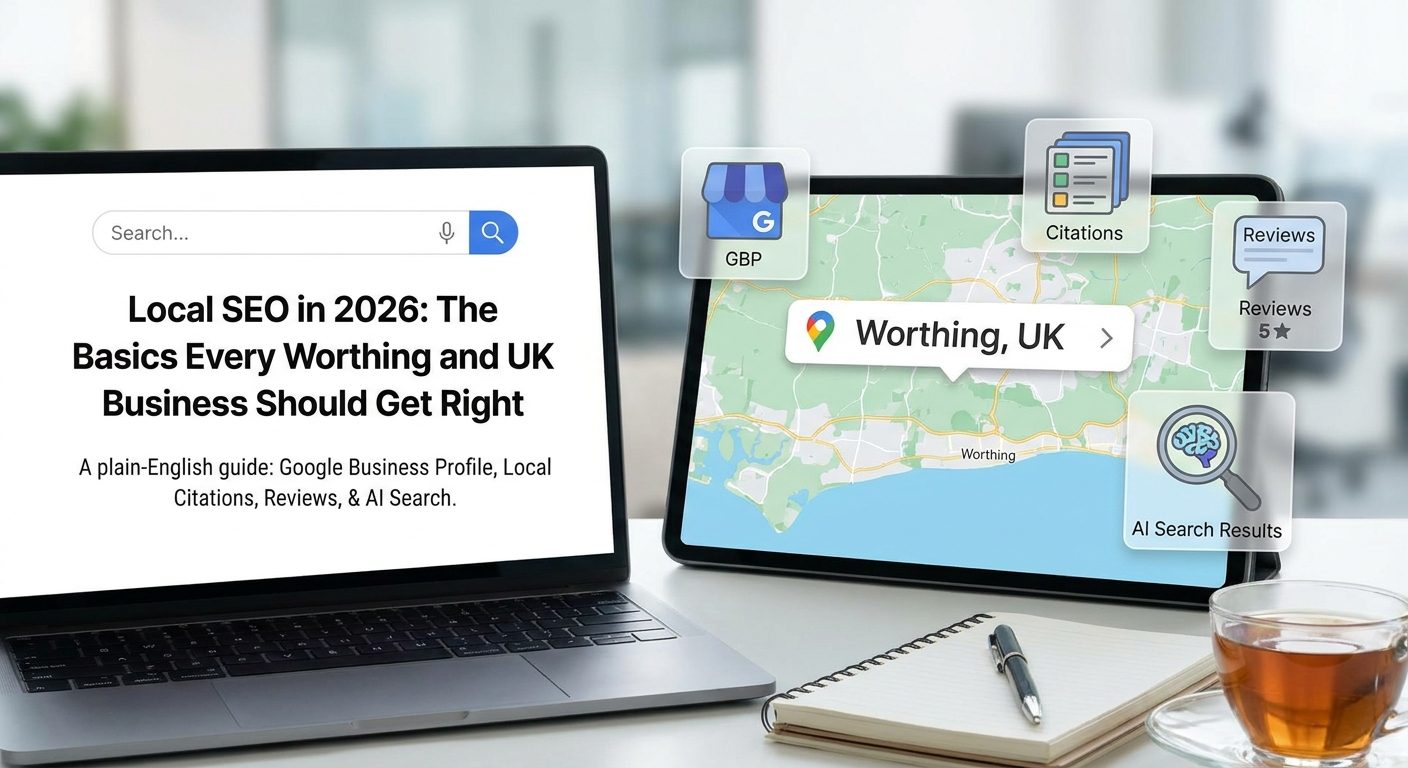
For local results, Google weighs three signals simultaneously. The first is relevance: does your business actually match what the person searched for? The second is distance: how close are you to the searcher right now? The third is prominence: how well-known does Google think you are, based on reviews, links, and how complete your online presence is? All three have to be balanced, which is why the biggest or oldest business doesn't always win.
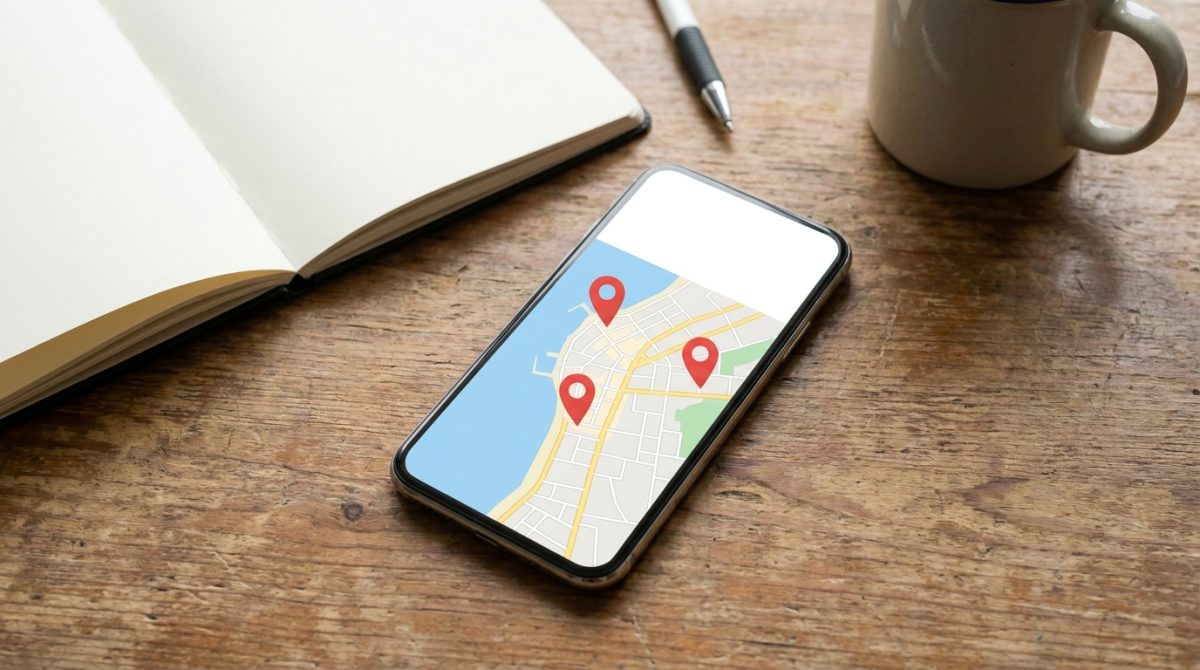
The 'Local Pack' is the box with a small map and three business listings that appears above the standard blue-link results on most local searches. It is powered by Google Business Profile data, not by your website's domain authority or the number of pages you've published. A business with a basic, ten-page website can appear in the Local Pack above a competitor with a professionally built site, simply because their Business Profile is more complete and better verified. That is genuinely good news if you're starting from scratch.
Consider the difference between two searches happening at the same moment. A Worthing plumber at their depot types 'boiler repair Worthing' into Google. A tourist standing on Worthing seafront types 'cafe near me'. Both trigger local search results, but Google resolves them differently. The plumber's search uses the typed location as the anchor. The tourist's search uses the GPS coordinates from their phone. Google gives the tourist results within walking distance, even if those cafes have never explicitly optimised for the phrase 'near me'.
This distinction matters because it tells you where to spend your time. Local SEO is about sending Google clear, consistent signals about where you are and what you do. Writing more blog posts, adding more pages, or chasing backlinks from national websites will do very little compared to getting your location signals right. The three signals Google uses, relevance, distance, and prominence, are all things you can influence directly. The sections below show you exactly how.
Your Google Business Profile Is Your Most Valuable Free Asset
Google Business Profile (GBP), which was called Google My Business until 2021, is the free tool that controls what shows up about your business in the Local Pack and on Google Maps. Nothing else you do for local SEO will have as fast or as direct an impact as getting this right. It costs nothing, and the setup takes about 10 minutes.
Claiming and verifying your listing
If you haven't claimed your profile yet, go to business.google.com and search for your business name. Google will either find an existing unclaimed listing or let you create a new one. Once you submit your details, Google posts a physical postcard to your registered business address containing a PIN you use to verify ownership. Until that verification is complete, your listing is vulnerable: a competitor or, in some cases, a random member of the public can suggest edits to your business information, and Google may accept them.
Verification matters beyond just security. An unverified listing won't rank as well, won't show all your information consistently, and won't give you access to the Insights data that shows how people are finding you. Do it first.
NAP consistency
NAP stands for Name, Address, and Phone number. These three pieces of information must be spelled identically everywhere they appear online: your GBP, your website's footer, Yell, Thomson Local, Facebook, FreeIndex, any trade directory you're listed on. Even small differences, 'Ltd' versus 'Limited', or a space in a postcode in one place and no space in another, can create conflicting signals that reduce Google's confidence in your location. Go through every directory listing you have and make them match your GBP exactly.
Categories are a stronger signal than most owners realise
Your primary category is one of the most powerful relevance signals in your whole profile. Be specific. 'Electrician' will outperform 'Trades' for anyone searching 'electrician near me'. You can also add up to 10 secondary categories, so an electrician might add 'Lighting Contractor', 'Emergency Electrician', and 'EV Charging Station Installation' to capture more relevant searches without diluting the primary signal.
GBP posts and the Q&A section
GBP has a posts feature that works like a very simple social feed attached to your Google listing. You can share updates, limited-time offers, or upcoming events. Posting at least once a week signals to Google that the business is active, which contributes to your prominence score. Each post expires after seven days unless it's an event with a set date, so a simple weekly habit, a short update about a recent job, a seasonal offer, a reminder of your opening hours over a bank holiday, is enough to keep the listing fresh.
The Q&A section is one of the most overlooked parts of GBP, and also one of the most dangerous if ignored. Anyone can post a question on your listing, and anyone can answer it. That includes people who have never used your business and may get the answer completely wrong. Take 15 minutes to populate this section yourself with the questions your customers actually ask: parking, payment methods, whether you cover a particular area, how to book. If you write the question and the answer yourself, those answers appear first and you control the information.
Measuring the impact
GBP Insights gives you real data on how your listing is performing. You can see exactly how many people called your business directly from the listing, how many asked for directions (a strong signal that they actually visited), and how many clicked through to your website. Check these numbers before you start making changes, then again four weeks later. This is your simplest before-and-after measure and it requires no analytics setup, no extra tools, and no technical knowledge.
How to Make Your Website Pages Speak the Language of Local Search
Your GBP does a lot of the heavy lifting for the Local Pack, but your website pages are what appear in the standard organic results below it. Getting both working together is what separates businesses that dominate the first page from those that only appear in one place.
Use location phrases where they actually matter
Every service page on your site should include a location phrase woven naturally into three specific places: the title tag (the text that appears as the clickable headline in Google results), the H1 heading (the main heading a visitor sees at the top of the page), and the first paragraph of the page's content. 'Bathroom Fitter in Worthing' in those three places will outperform a page that uses 'Bathroom Fitting Services' and mentions Worthing only once in the body text. The phrase doesn't need to be forced; it just needs to be there where Google looks first.
One page per location, not one page for all of them
If you work across several towns, a single 'areas we cover' page that lists Worthing, Shoreham, Lancing, Littlehampton, and Chichester in one block of text is largely invisible to Google. A dedicated page for each location, with genuinely different content describing the work you've done there, local landmarks, specific services relevant to that area, and a local phone number if you have one, will rank far better for searches from each of those towns. This takes more time to set up, but using local keywords on properly structured individual pages is one of the most reliable ways to expand your reach without paying for adverts.
Schema markup is a 15-minute job that most businesses skip
Schema markup, specifically LocalBusiness schema, is a small block of invisible code that you add to your website. It tells Google your name, address, phone number, opening hours, and business type in a structured format that search engines can read instantly, without having to interpret the text on your page. You don't need a developer to do this. Free generators at Schema.org or Merkle's Schema Markup Generator let you fill in a form and generate the code. Copy it into the header of your website or ask your web designer to drop it in. It is a one-time job that takes about 15 minutes and directly supports the NAP consistency work you're already doing on your GBP.
Your page title is prime selling space
The title tag of a page is what Google shows as the clickable headline in search results. You have roughly 60 characters to work with before Google cuts the text off. A title like 'Emergency Plumber Worthing | Same-Day Callouts | 01903 XXXXXX' does three things in one line: it tells Google the service and location (relevance signal), it gives the searcher a reason to click (same-day callouts), and it puts a phone number in front of someone who might be in a panic and just wants to call. That is 60 characters well spent.
Mobile speed is not optional
The majority of local searches happen on mobile phones, often by people who are out and about and want an answer immediately. A slow-loading page on mobile costs you those visitors before they've even seen what you offer. Google's free PageSpeed Insights tool at pagespeed.web.dev gives your site a score out of 100 for mobile and desktop separately, and lists the specific issues dragging the score down in plain English. A mobile score below 50 is worth addressing urgently, because Google factors page speed into its rankings and a slow page will lose you position even if everything else is right.
Building Local Trust Without Spending Money on Advertising
Online reviews are one of the most powerful levers you have in local search, and they cost nothing to collect. Businesses with more than 10 recent Google reviews consistently outperform similar businesses with fewer reviews inside the Local Pack, the three-business box Google shows at the top of local results. That is not an agency claim; it is a confirmed ranking factor, and it is entirely within your control.
The fastest way to get reviews is embarrassingly simple: ask. Not on a printed card tucked in an invoice, but directly, at the moment a customer is happiest. When you finish a job or deliver a result, send a follow-up text or email with a direct link to your Google review form. You can generate that link for free inside your Google Business Profile under the section labelled Get more reviews. Copy it, save it to your phone, and paste it into every follow-up message you send.
Getting reviews is only half the job. Responding to every review, positive or negative, within 48 hours signals to Google that your business is active and engaged. For bad reviews specifically, a calm and specific reply does more than protect your reputation; it reassures every potential customer who reads it later that you take your work seriously. A response like "Hi Mark, sorry the installation took longer than expected, we have since adjusted our booking system" is far more convincing than silence or a defensive paragraph.

Beyond Google, several UK directories carry genuine local SEO weight and are free to list on. Make sure your business name, address, and phone number are identical across every one of them, including spelling, spacing, and the format of your phone number. Inconsistent details confuse Google and weaken your local signals. The directories worth your time are:
- Yell.com
- Bing Places
- Apple Maps
- Checkatrade (if you are in the trades)
- Free Index
Each of these should link back to your website. These are called citations, and they act as small votes that confirm your business exists at the address you claim, in the town you claim to serve.
Local link building sounds technical but it just means getting other Worthing or West Sussex websites to mention you and point a link at your site. Sponsoring a local sports club, getting listed on the Worthing Chamber of Commerce website, or being featured in a Worthing Herald article are all realistic and low-cost ways to earn links that carry geographical relevance. A single link from a well-established local site is worth far more than dozens from generic national directories.
One small thing many businesses overlook: testimonials on your own website. When you add them, include the reviewer's town and ideally their situation or trade, for example "Sarah, cafe owner, Shoreham" or "James, landlord, Goring-by-Sea". This adds local keyword context to your pages in a completely natural way, without any awkward repetition of place names. It also makes testimonials more believable, which helps conversion as much as it helps rankings.
Measuring What Is Actually Working and What to Do After Month One
Local SEO is a slow burn. Results typically begin appearing within 3 to 6 months, which means checking your stats every week is going to make you anxious without telling you anything useful. Set a 90-day review date from the day you finish your Google Business Profile and website changes, write it in your calendar, and leave it alone until then.
Three free tools cover everything you need to measure. You do not need paid software at this stage.
- GBP Insights shows you how many people called you, asked for directions, or visited your website directly from your profile.
- Google Search Console (free at search.google.com/search-console) shows you exactly which search queries are bringing people to your website.
- Google Analytics 4 shows you what those visitors do once they arrive: whether they contact you, browse multiple pages, or leave immediately.
In Search Console, go to the Performance report and click on the Queries tab. This shows you the exact phrases people typed into Google before clicking your site. If you start seeing terms like "electrician near Worthing" or "cafe West Sussex" appearing, you know your local relevance is building. If you are only seeing your business name, it means people who already know you are finding you, but strangers are not yet. That tells you where to focus next.
According to local SEO best practice, these metrics are most useful when tracked over rolling monthly periods rather than week to week, because normal fluctuations in a small dataset can look alarming when they are actually just noise.
A simple monthly checklist keeps momentum going without taking over your working week. These four actions, done consistently, compound over time:
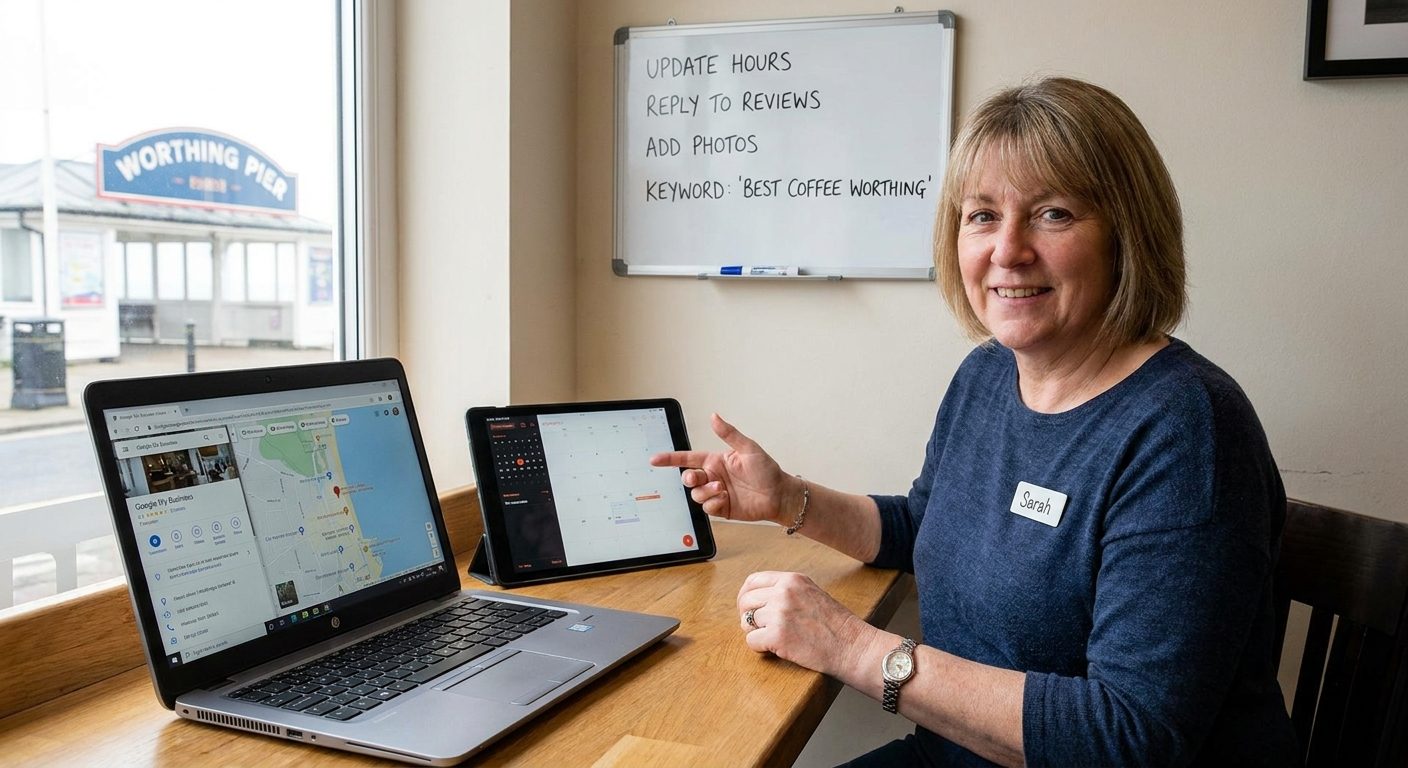
- Check GBP Insights once a week and note any changes in calls or direction requests.
- Ask for one new review per completed job.
- Publish one post to your Google Business Profile, a seasonal offer, a completed project, or a useful tip.
- Make one small improvement to a service page, a sharper headline, a local place name added naturally, a clearer call to action.
That last point matters more than most people expect. A business that makes five small consistent improvements every month will, over a year, outrank a competitor who spent one intense Saturday doing a big SEO overhaul and then did nothing. Google is not rewarding the biggest effort made on a single day; it is rewarding the business that looks consistently active, relevant, and trustworthy over time. That is something any business owner can manage, with no agency required.